Your study journey starts here. The Home Page is the heart of your Ecdentistry AI experience — designed to be simple, focused, and motivating.
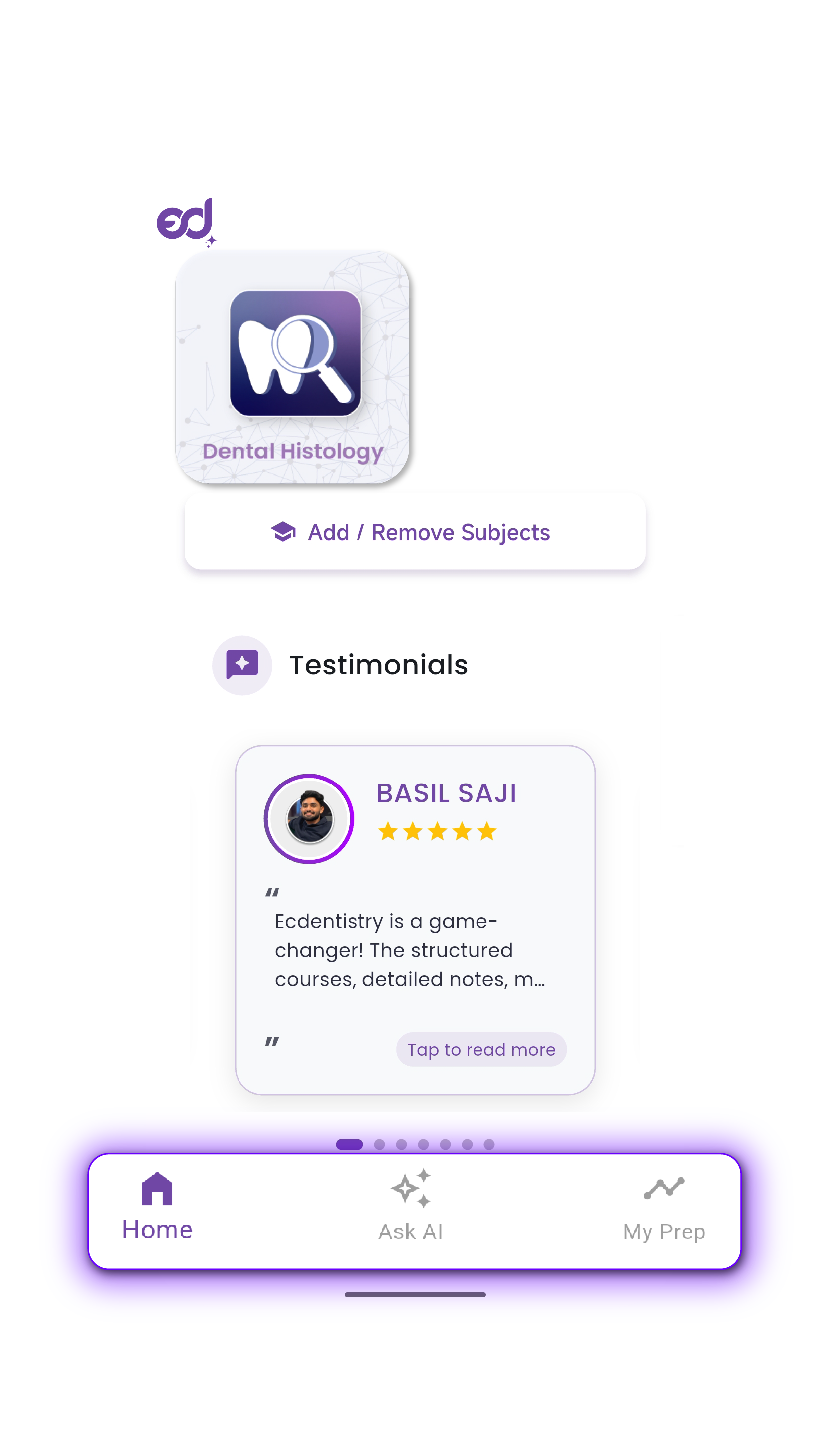
Explore Your SubjectsA clean grid that shows only the subjects for your current BDS year. This helps you stay focused on what truly matters right now, without distraction.
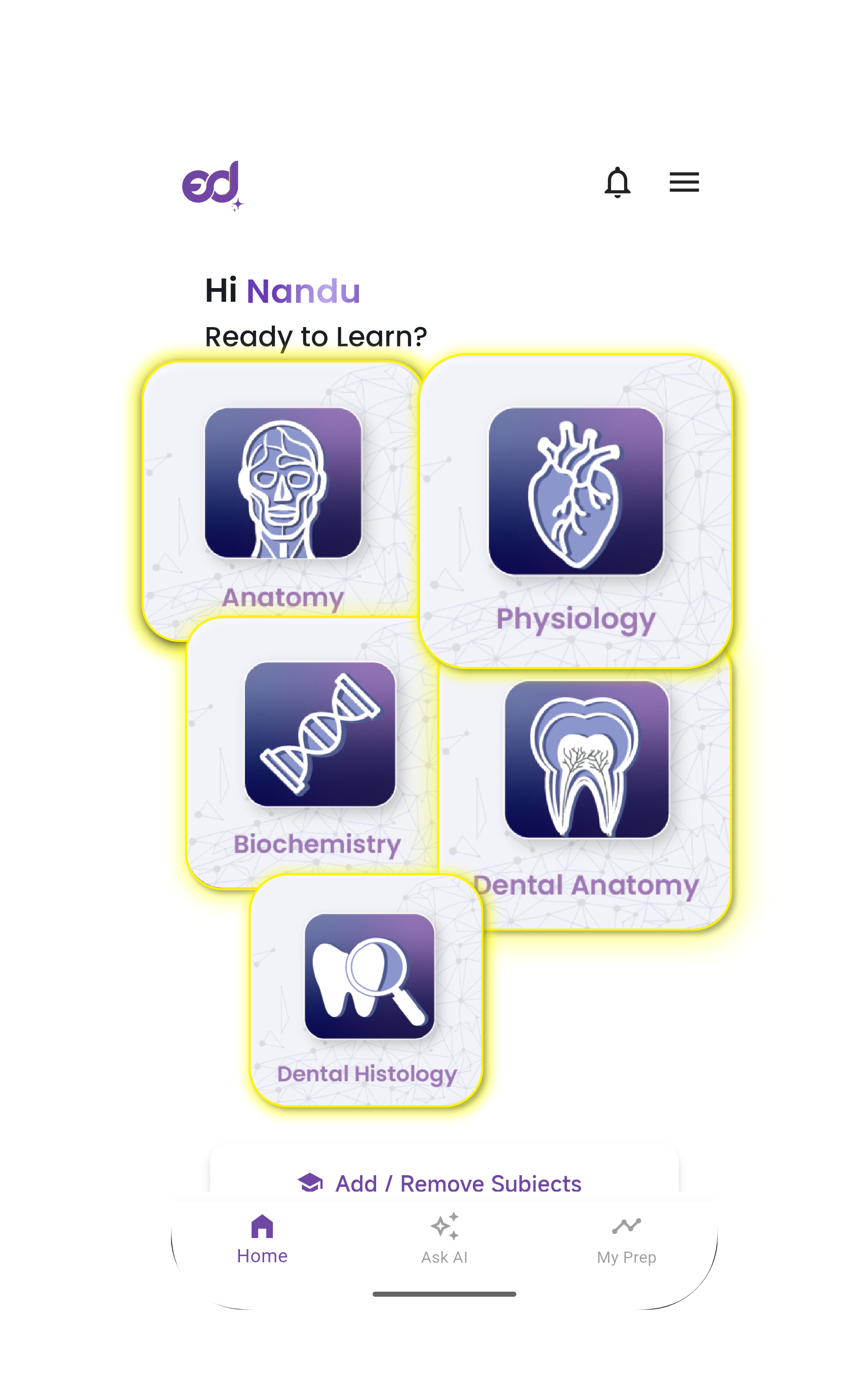
Studying ahead? Revising an older year? You're always in control. With one tap, you can add or remove subjects from the full BDS list.
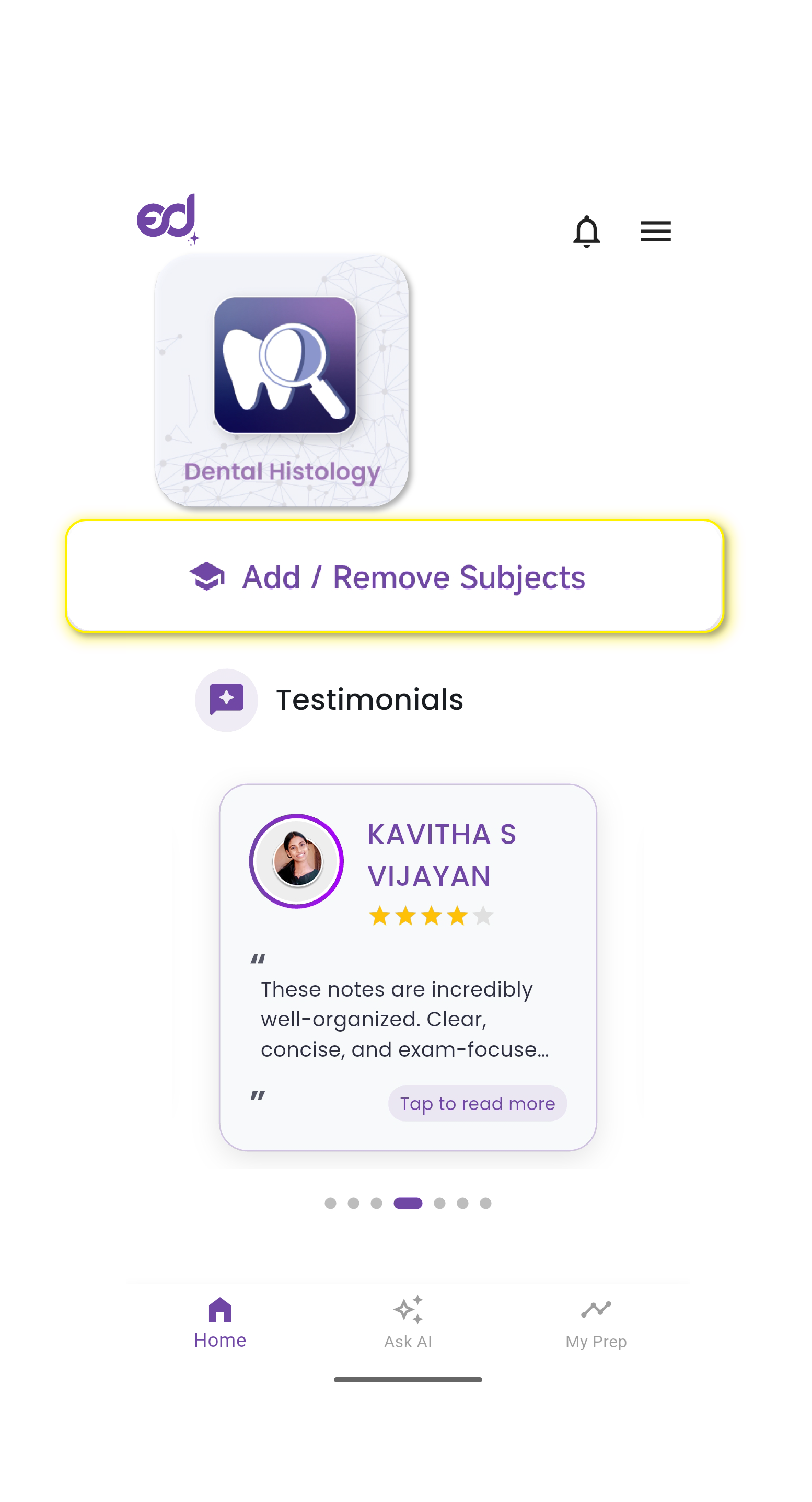
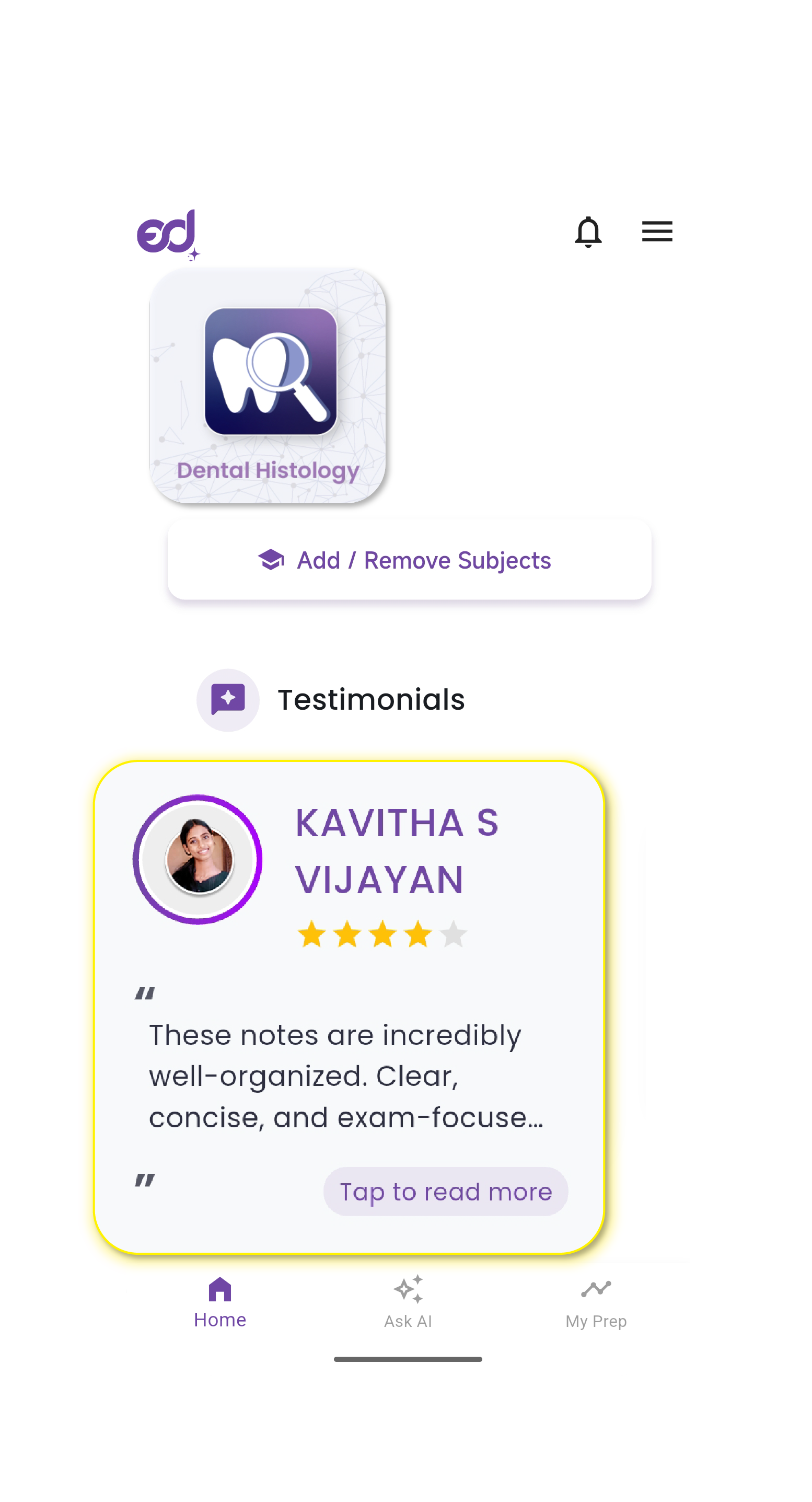
Real stories from students like you. These are more than reviews — they're reminders that you're not alone, and that success is achievable.
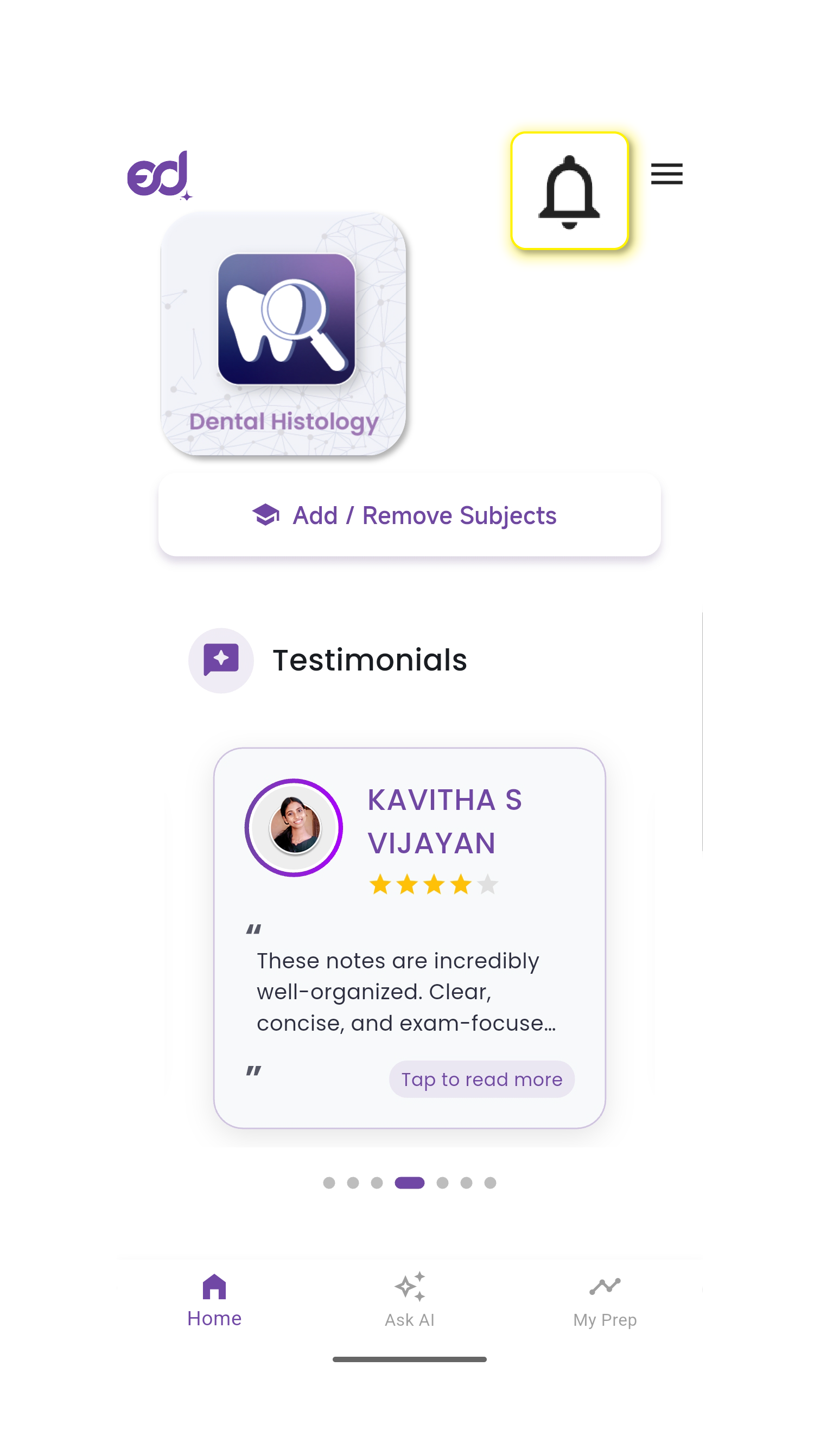
Your personal inbox for all alerts, reminders, and updates. Unlike a fleeting push notification, every message here stays safe until you're ready to act.
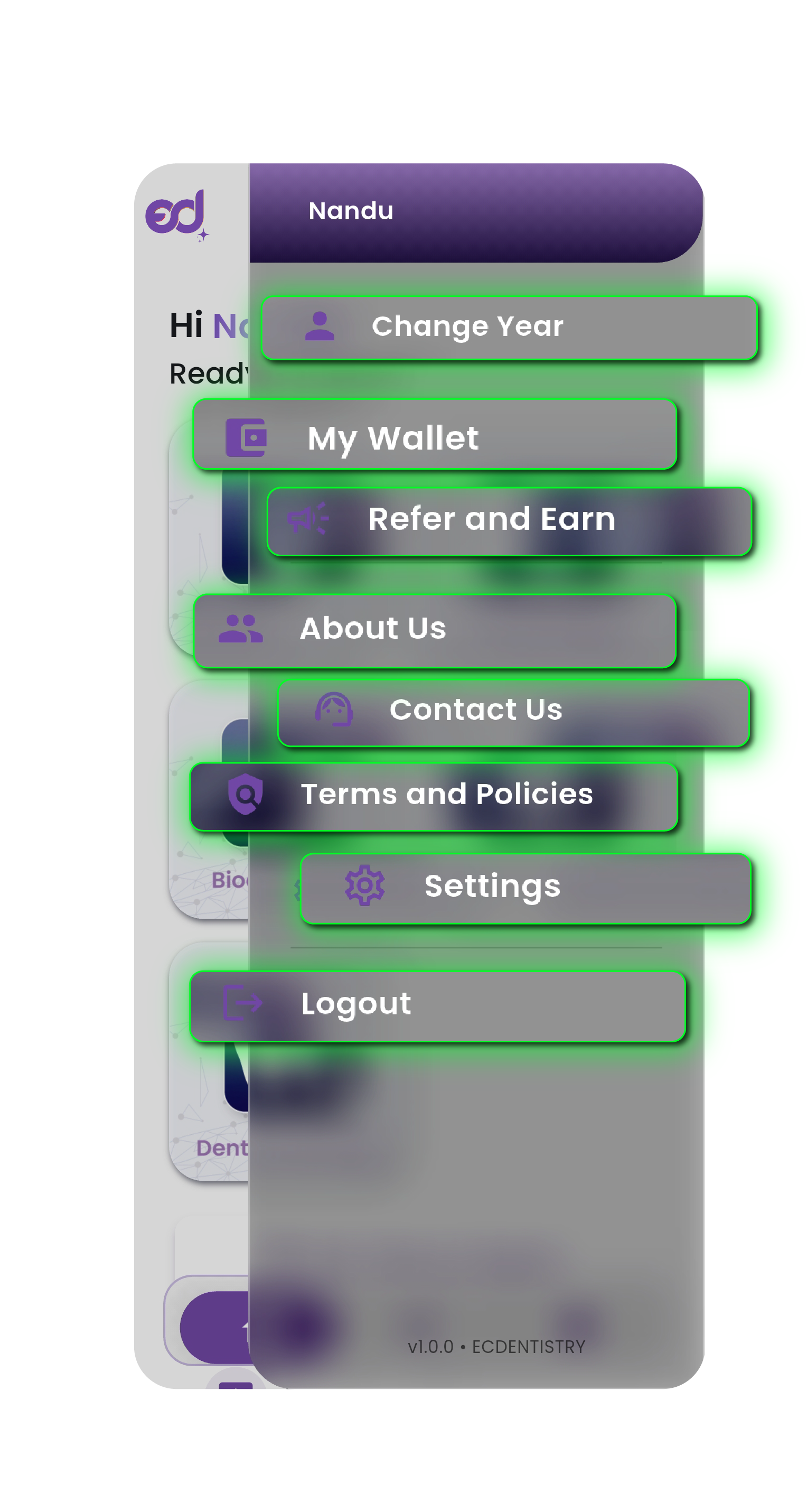
A quick access panel for essential app features and settings.
Quick access to the most important sections of the app, always available at the bottom of your screen.
This usually happens due to connectivity issues. First, check your internet. If the problem continues, open the Navigation Drawer → Support to chat with us directly.
Absolutely. Tap Add/Remove Subjects, and select any subject from the complete BDS list.
Open the Navigation Drawer → Wallet. Your coin balance is displayed right there.
Tap the Notification Bell on the Home Page. Every alert, past or present, is saved for you.
"The Home Page is more than a menu — it's your study partner. Every tap is designed to save you time, reduce clutter, and keep you moving forward toward exam success. When in doubt, start here. Your subjects, your progress, your path — all in one place."
Every successful study session begins with clarity. On the Home Page, you'll always know where to start: your subjects are organized, your progress is visible, and your path forward is clear.
Open Your Home Page Now