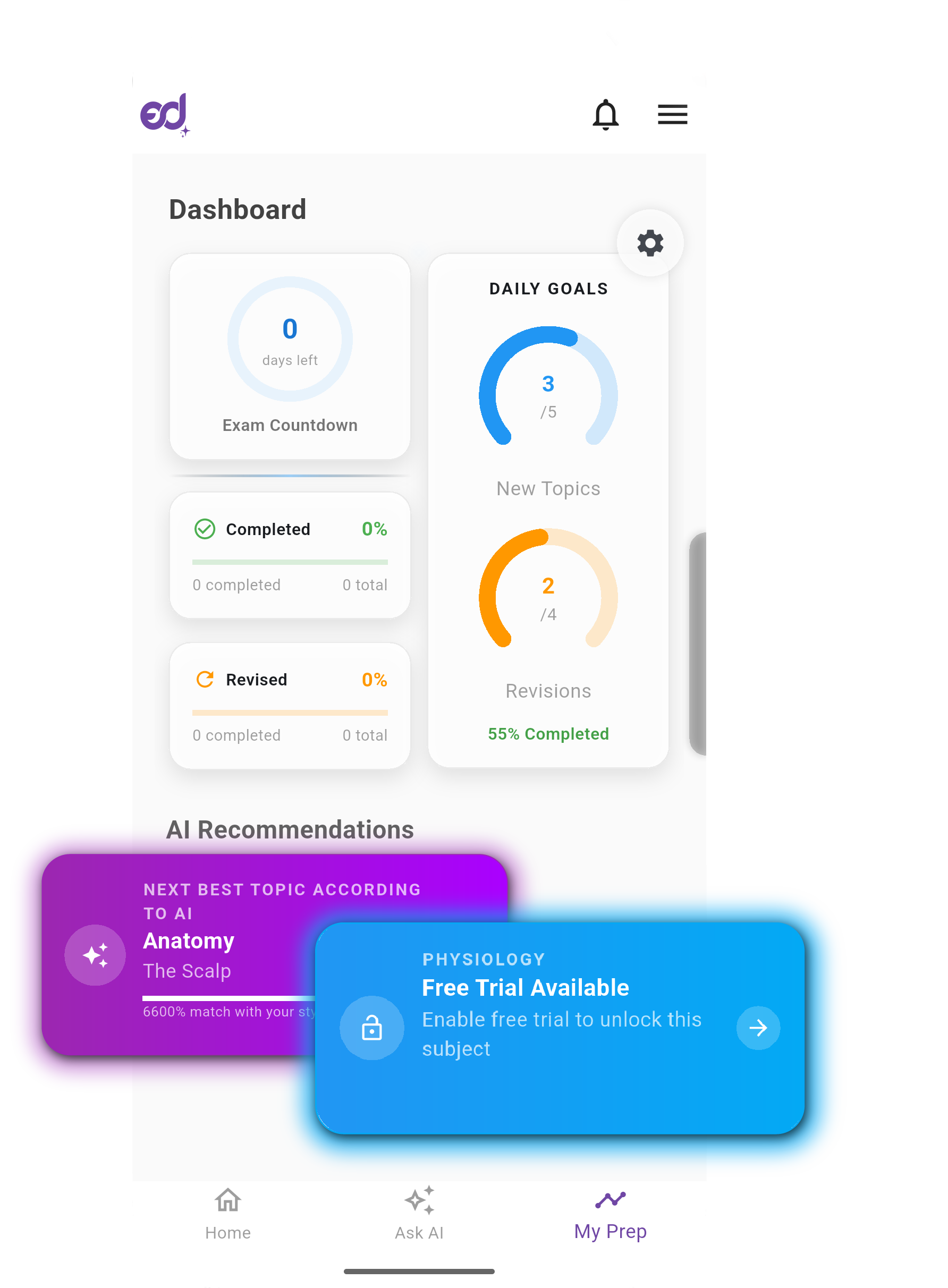
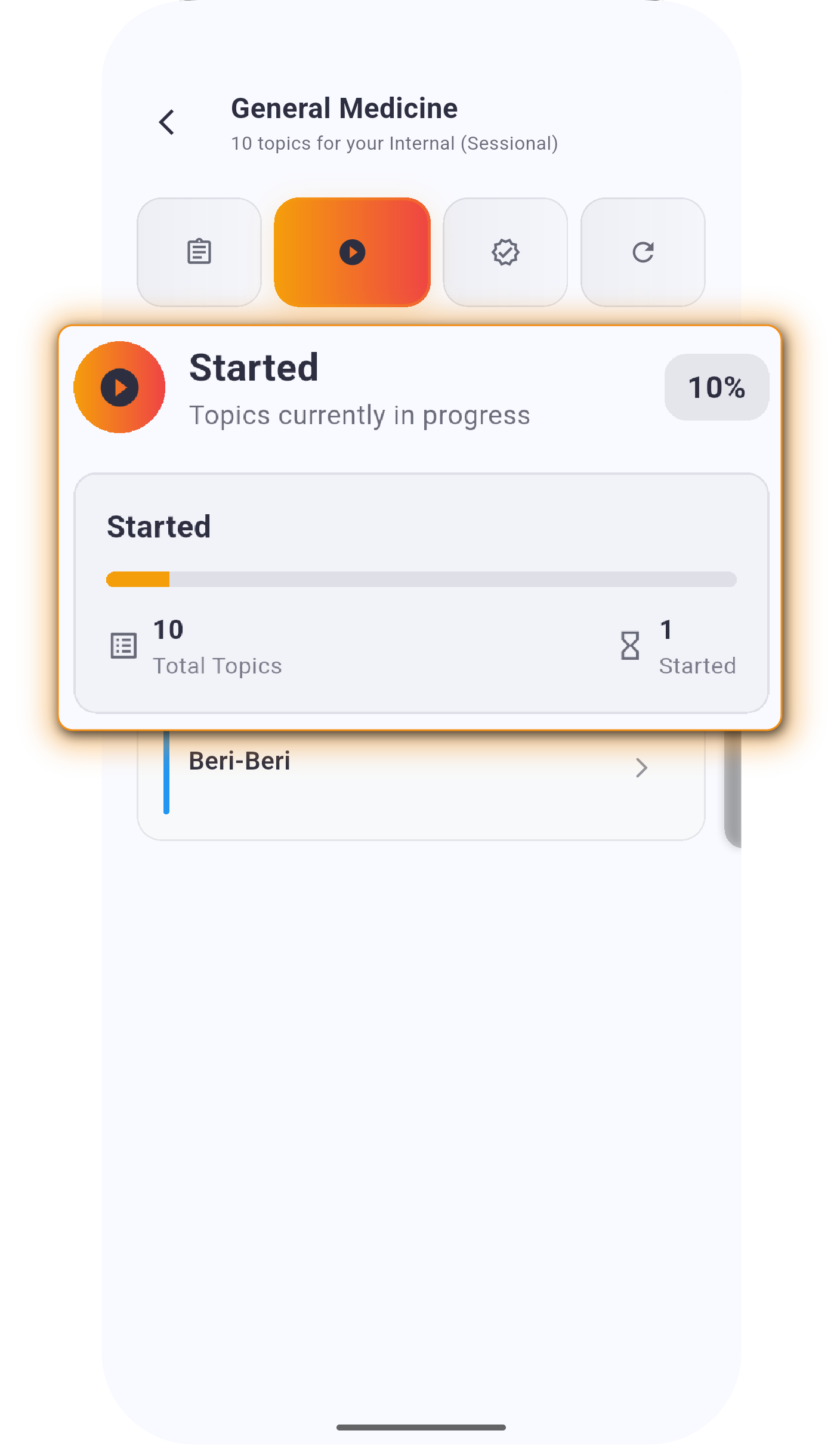
The My Prep Dashboard provides a complete overview of your exam preparation. It combines progress tracking, daily goals, and AI-powered study suggestions into a single interface, ensuring that every study session is structured and purposeful.

Start Your Prep Journey!

📈 Dashboard Overview

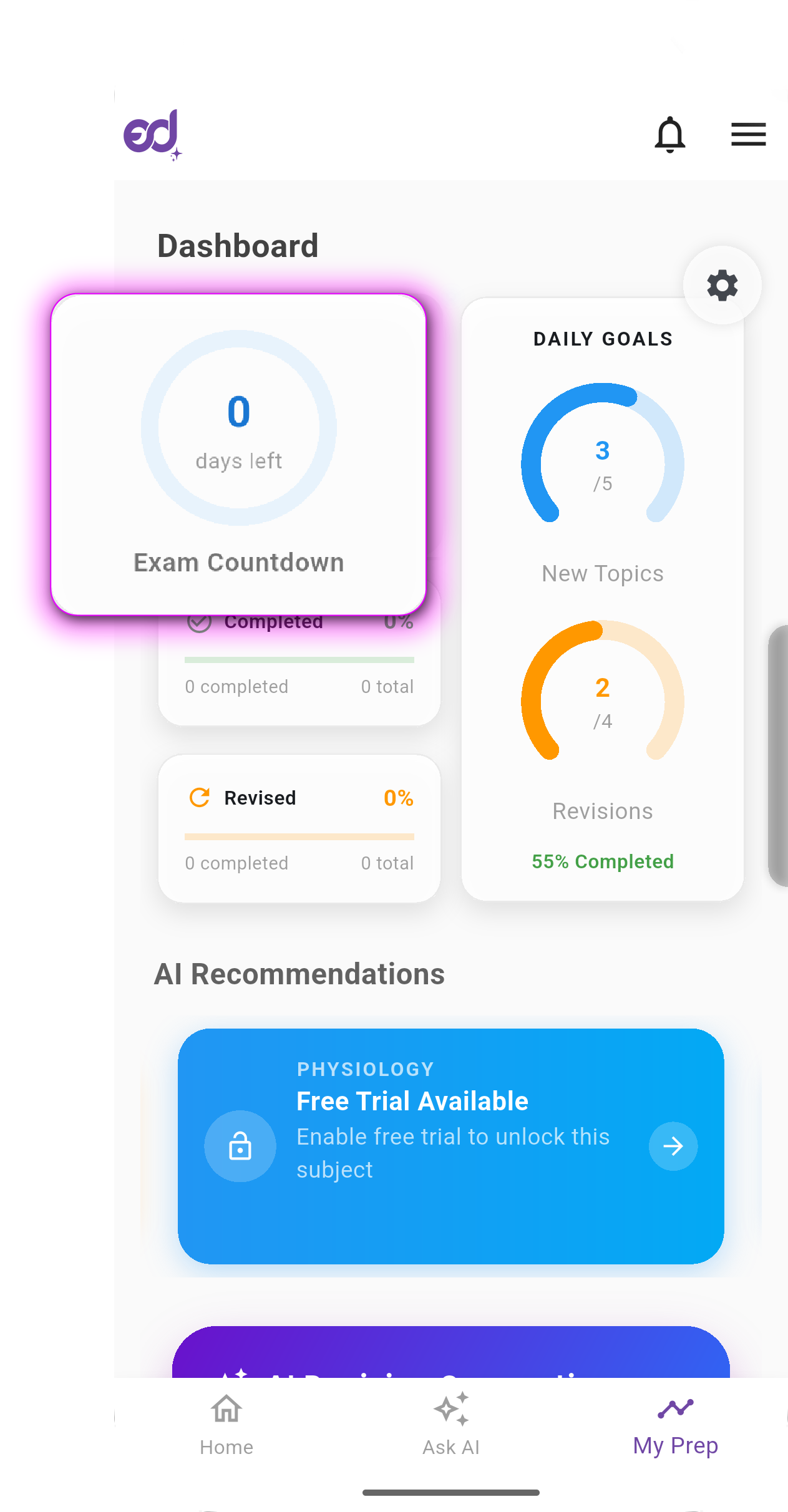
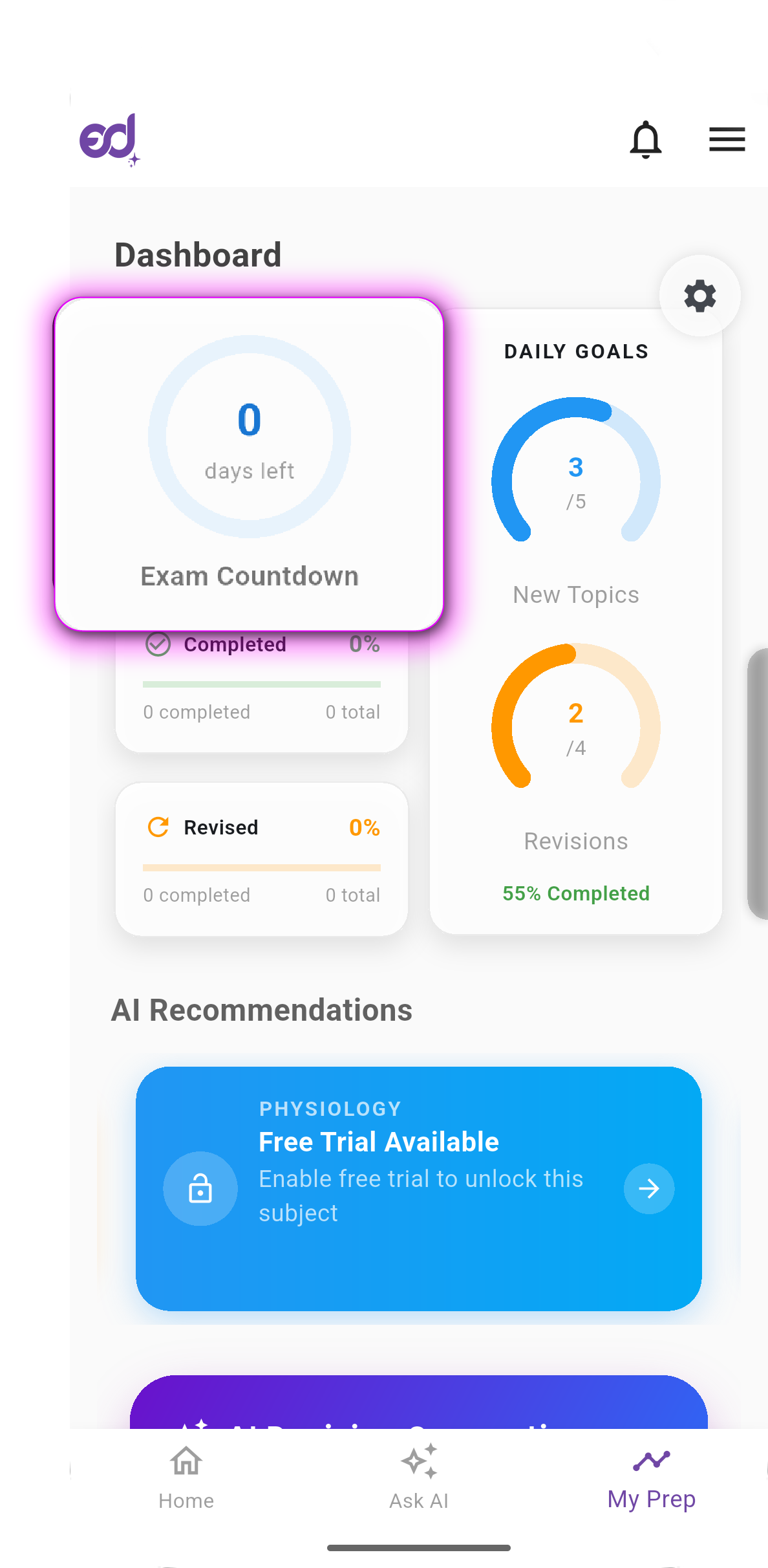
Countdown Timer

Days remaining until the exam (can be hidden in Settings if preferred).
Countdown Timer

Countdown Timer

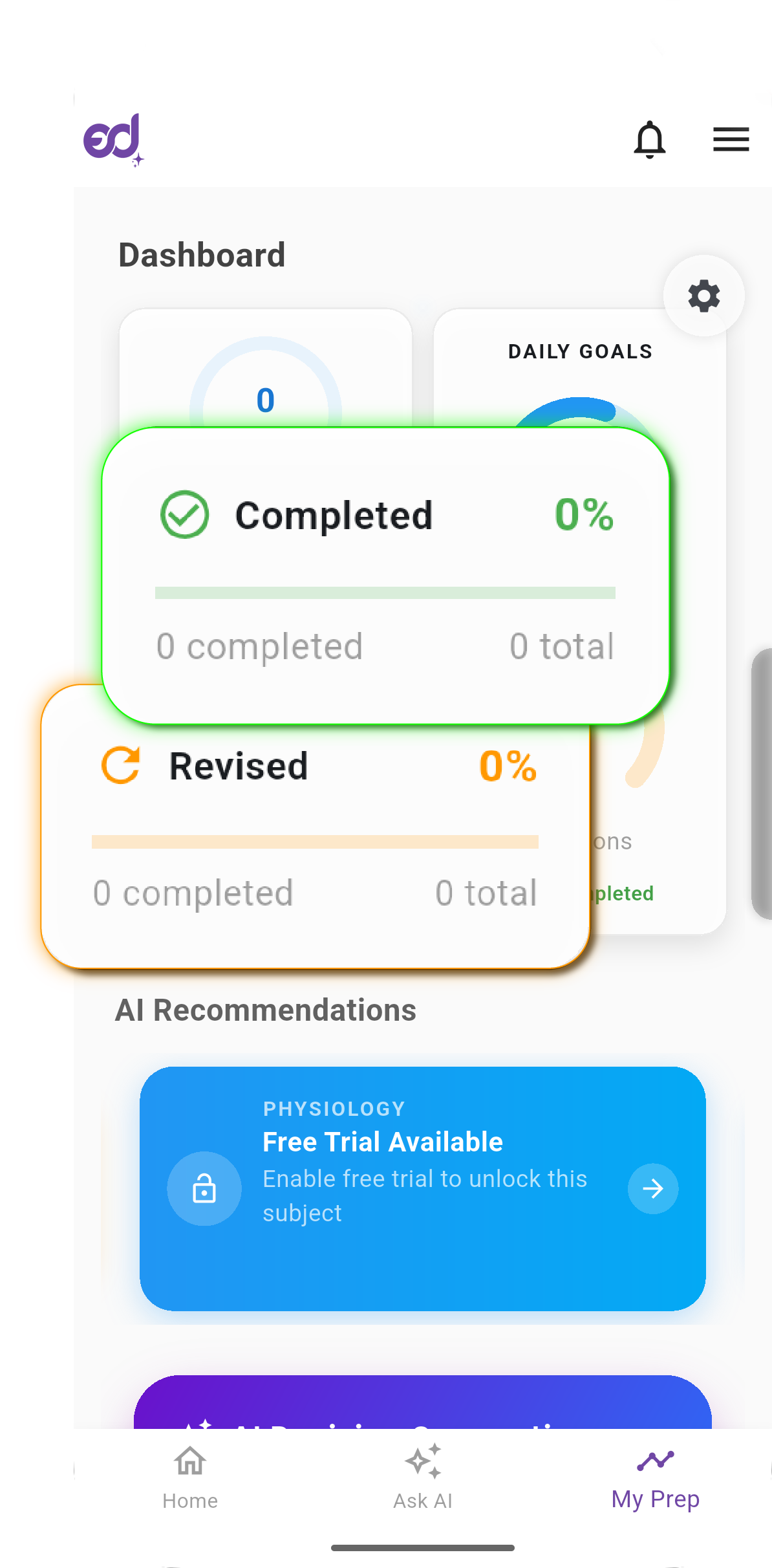
Progress Indicators

Visual cards for completed topics and revision progress.
Progress Indicators

Progress Indicators

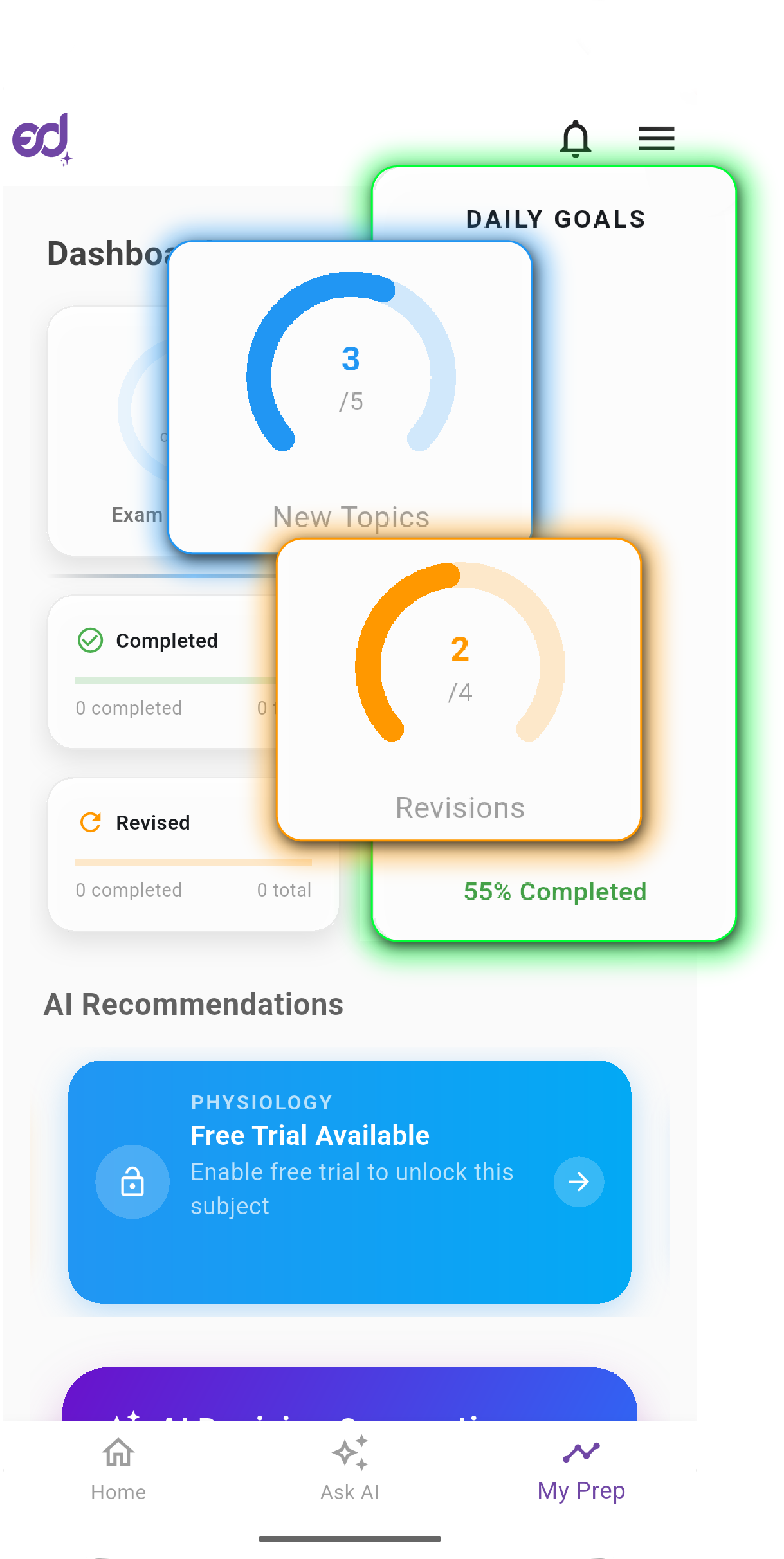
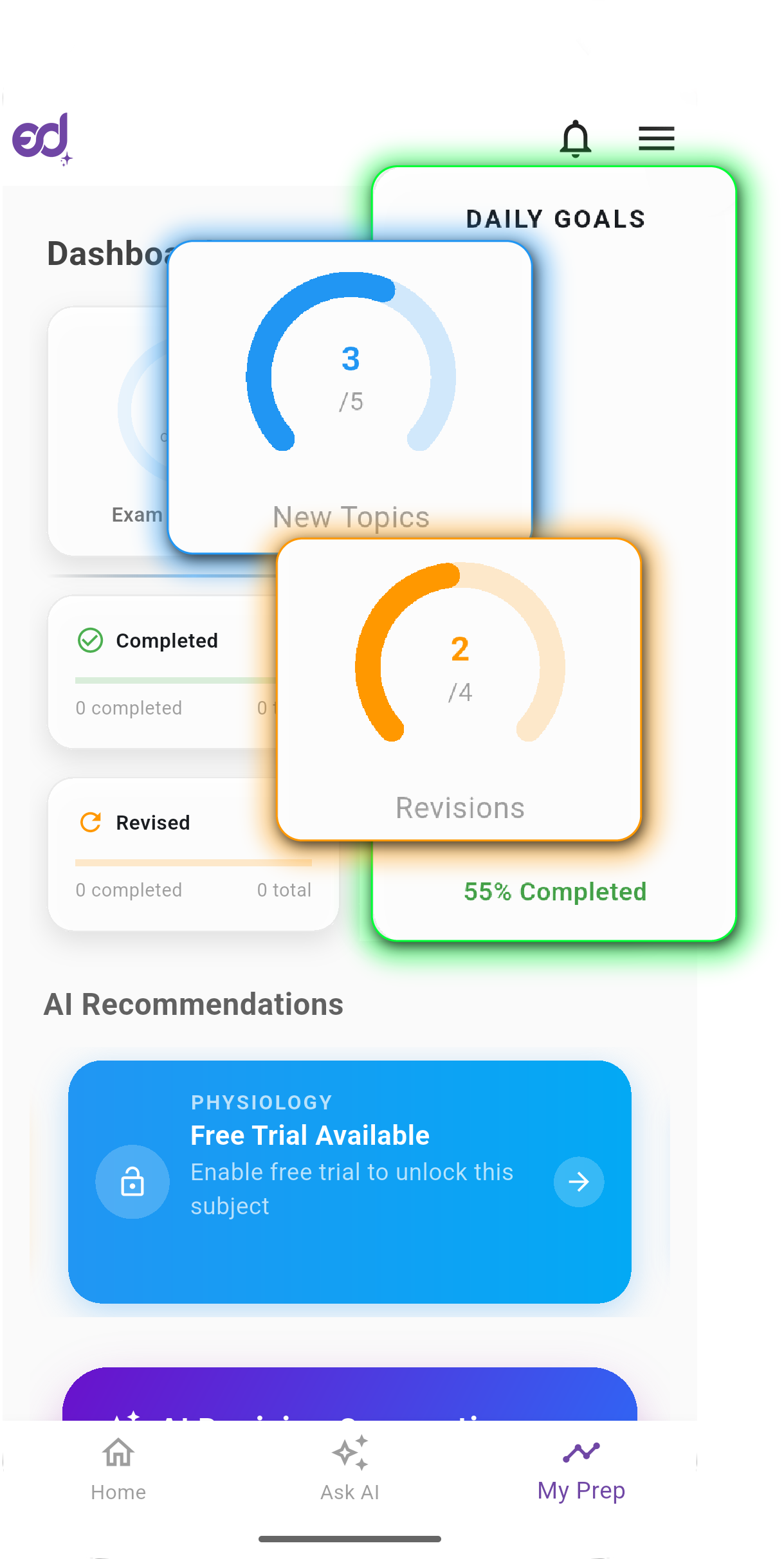
Daily Goals

Two radial gauges showing new topics studied and topics revised vs. your set goals.
Daily Goals

Daily Goals

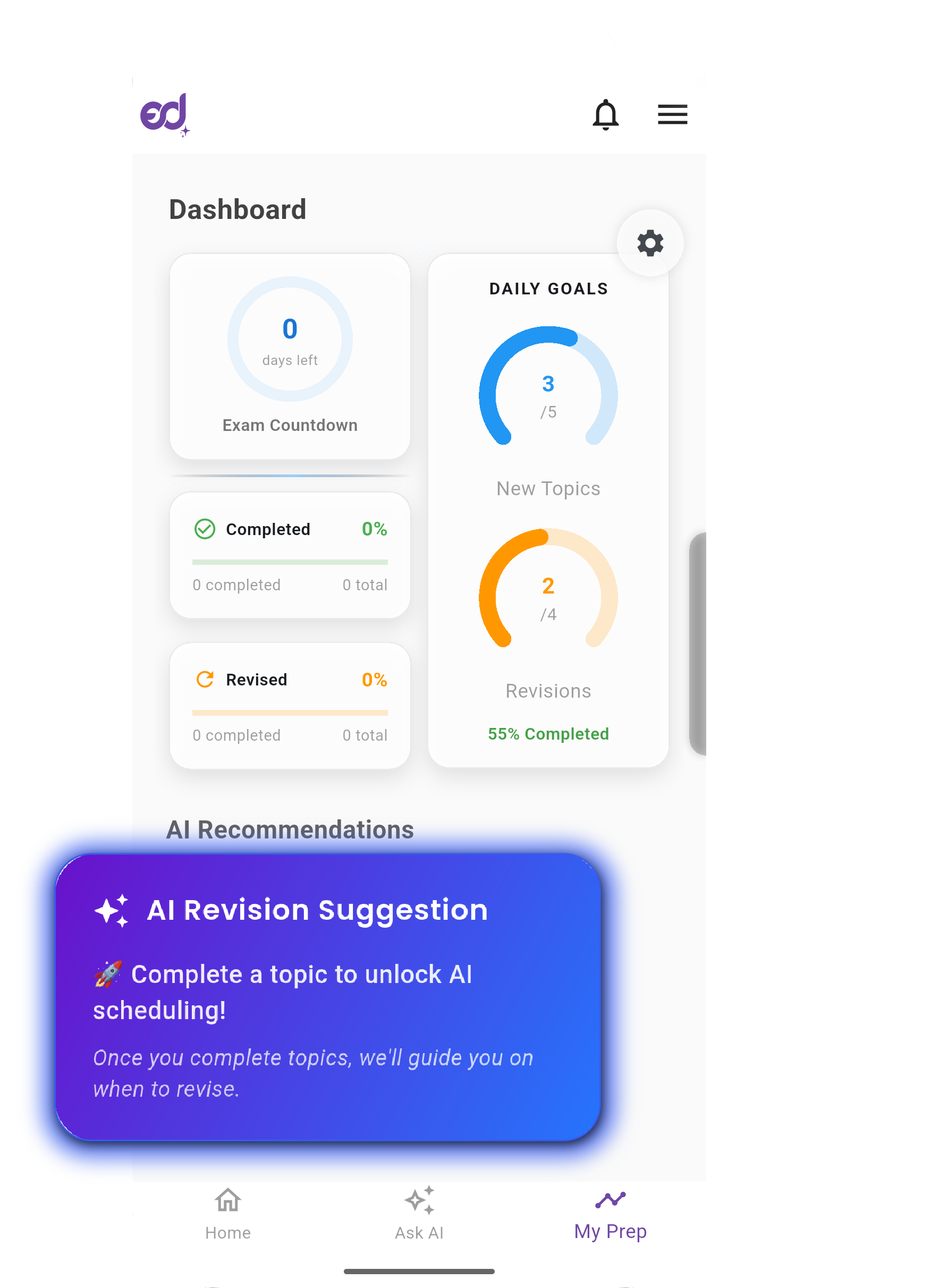
AI Suggestions

Recommended next topics for study and revision, based on data-driven analysis.
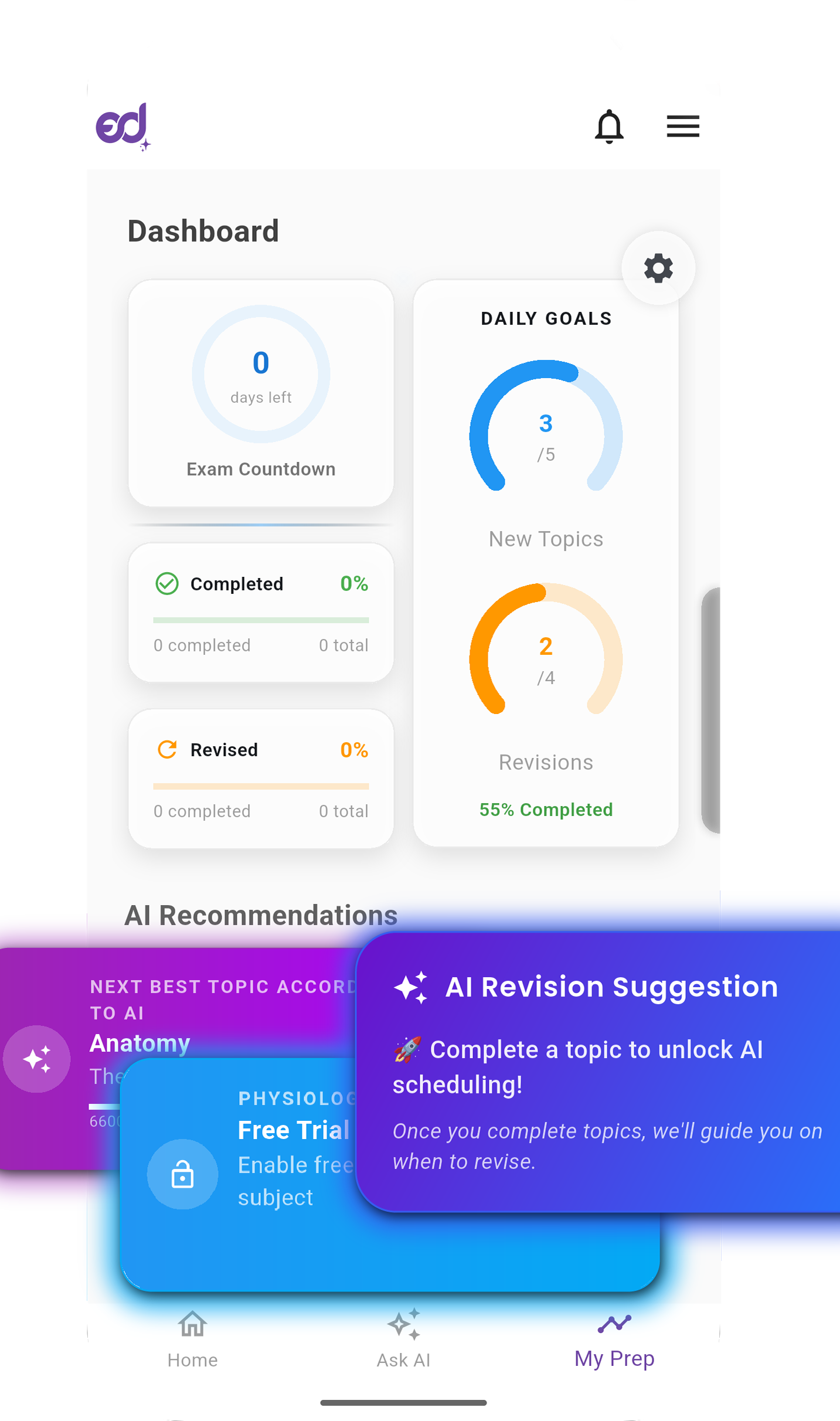
AI Suggestions

AI Suggestions

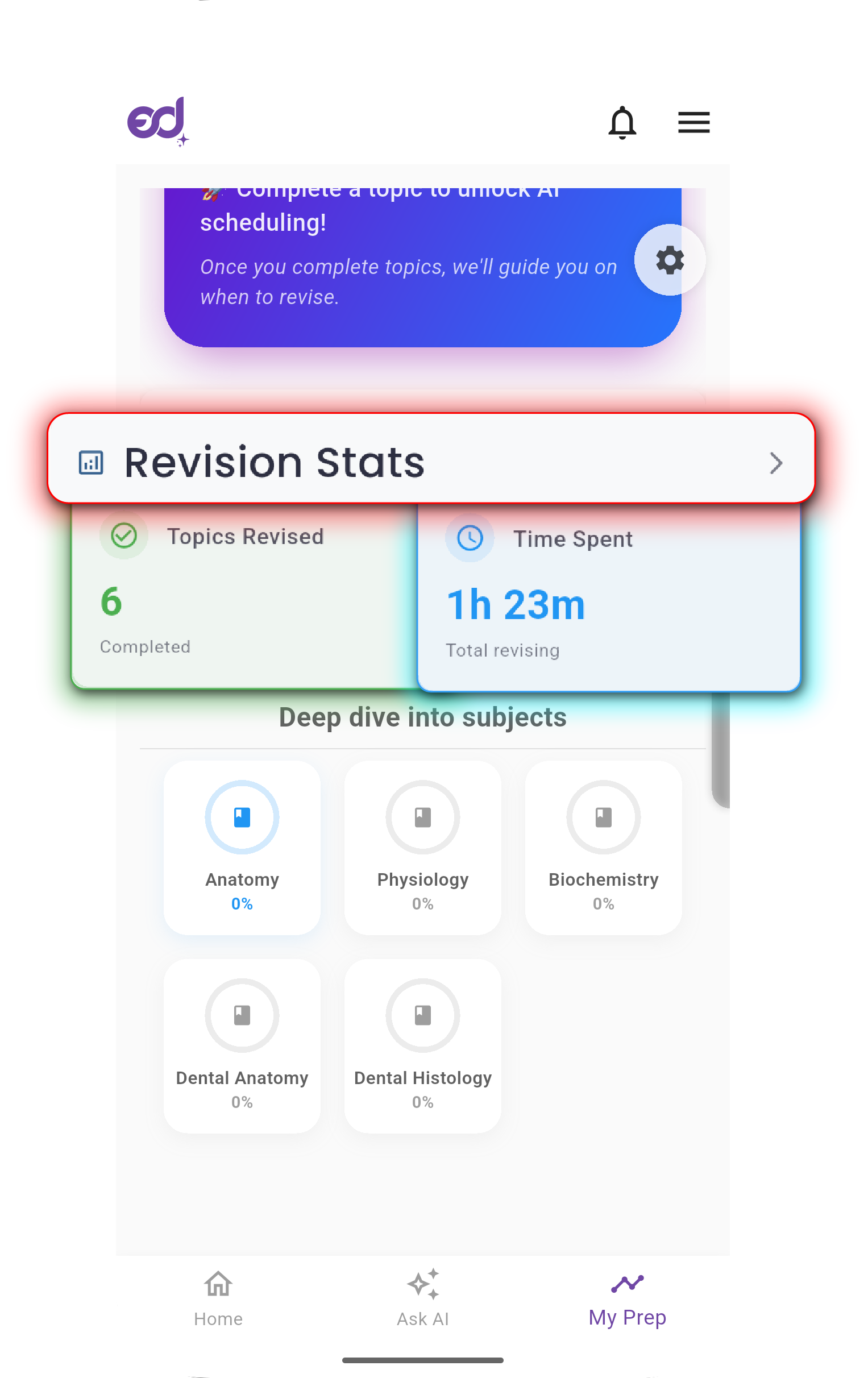
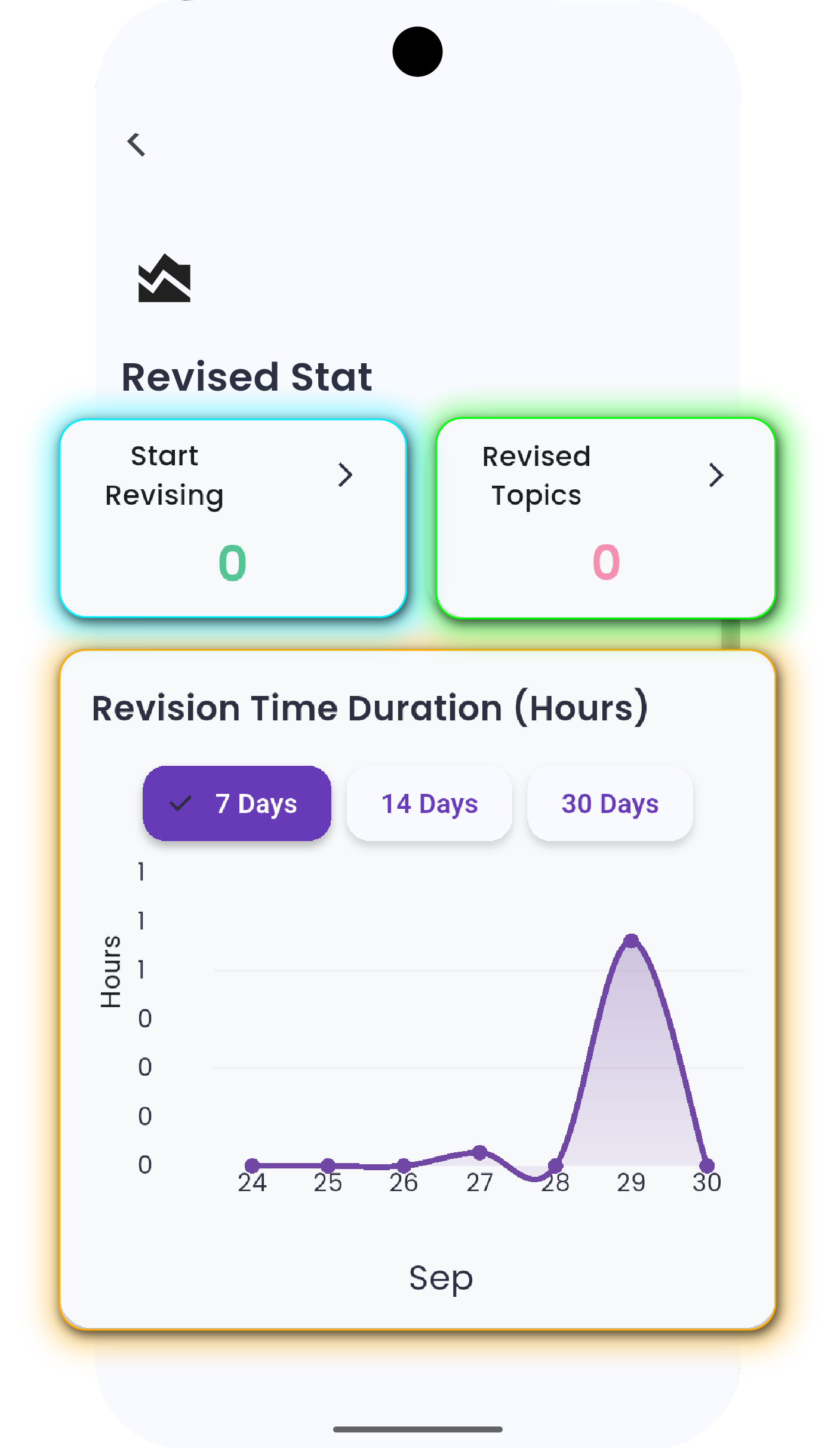
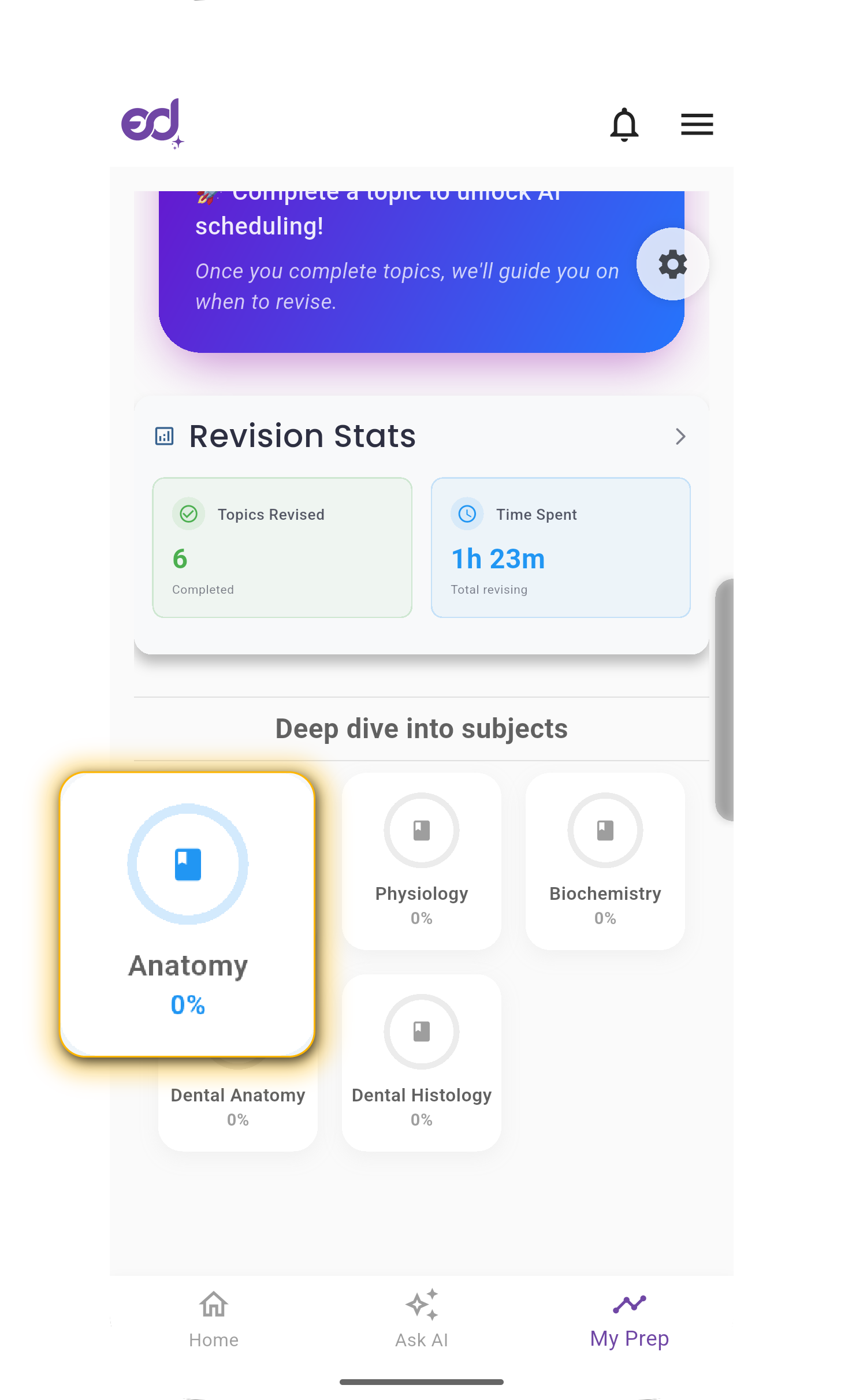
Revision Stats

Total topics revised and time spent revising.
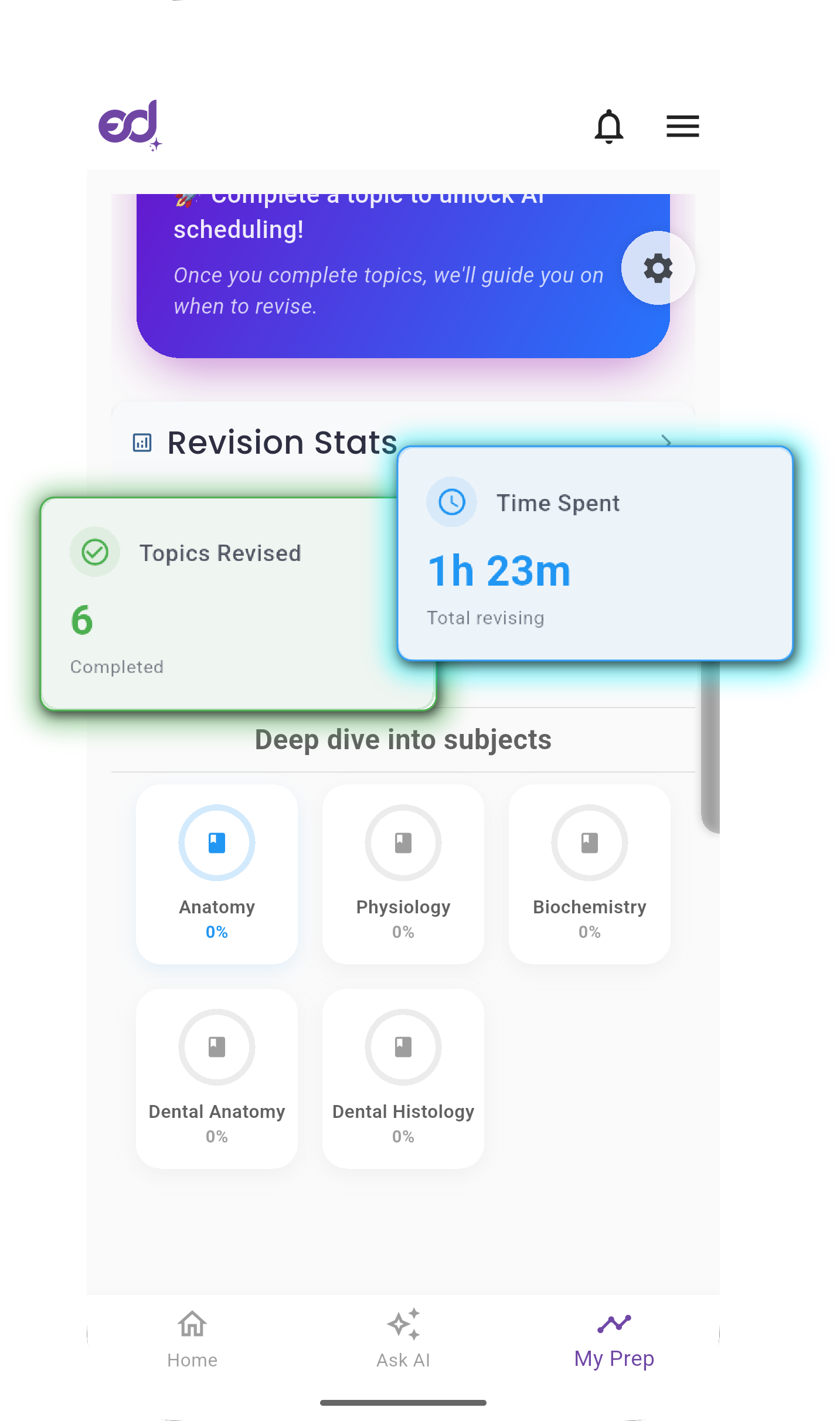
Revision Stats

Revision Stats

Subject Deep Dive

Topic-level breakdown across all selected subjects, grouped by status.
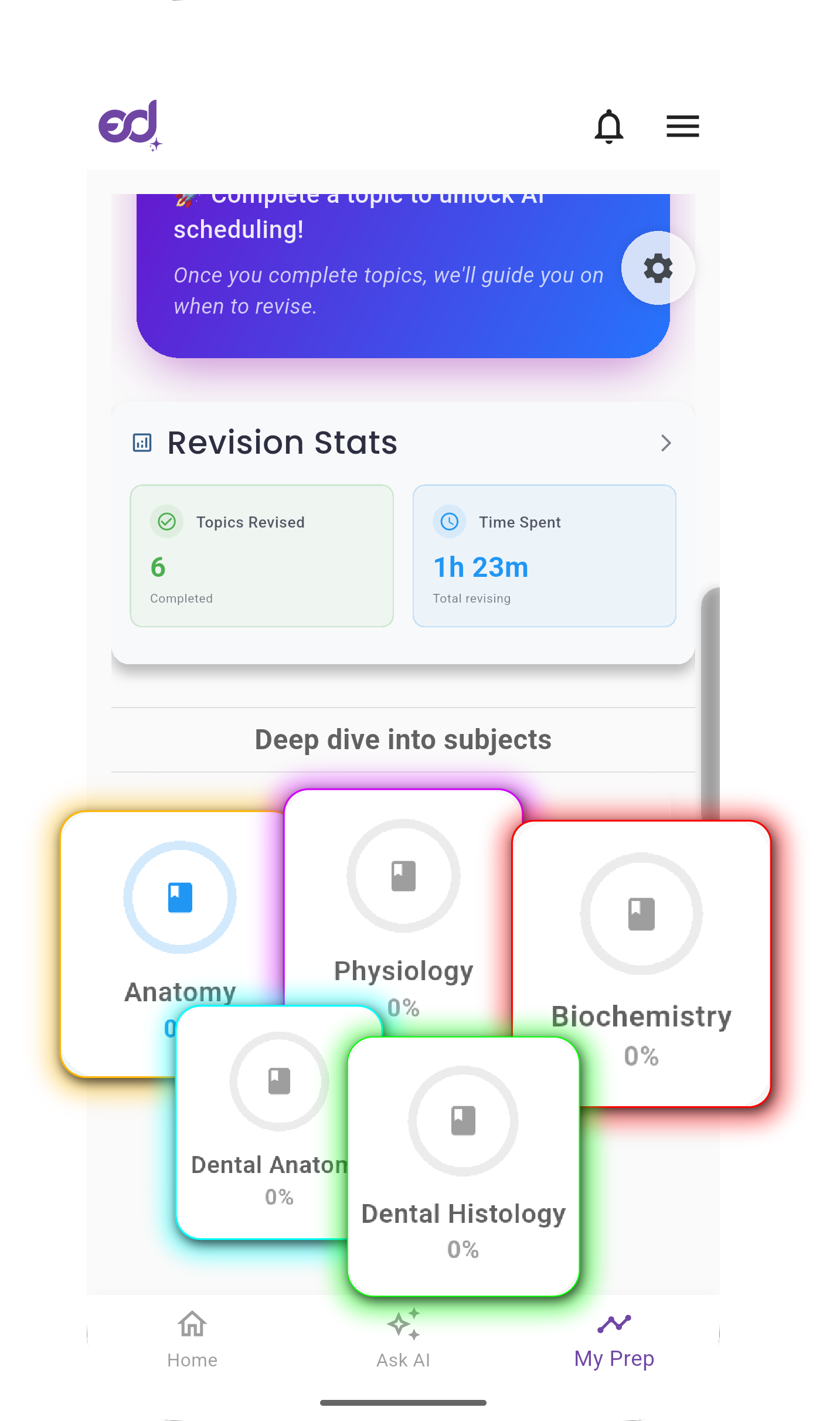
Subject Deep Dive
Subject Deep Dive

🧭 How to Use the Dashboard

1

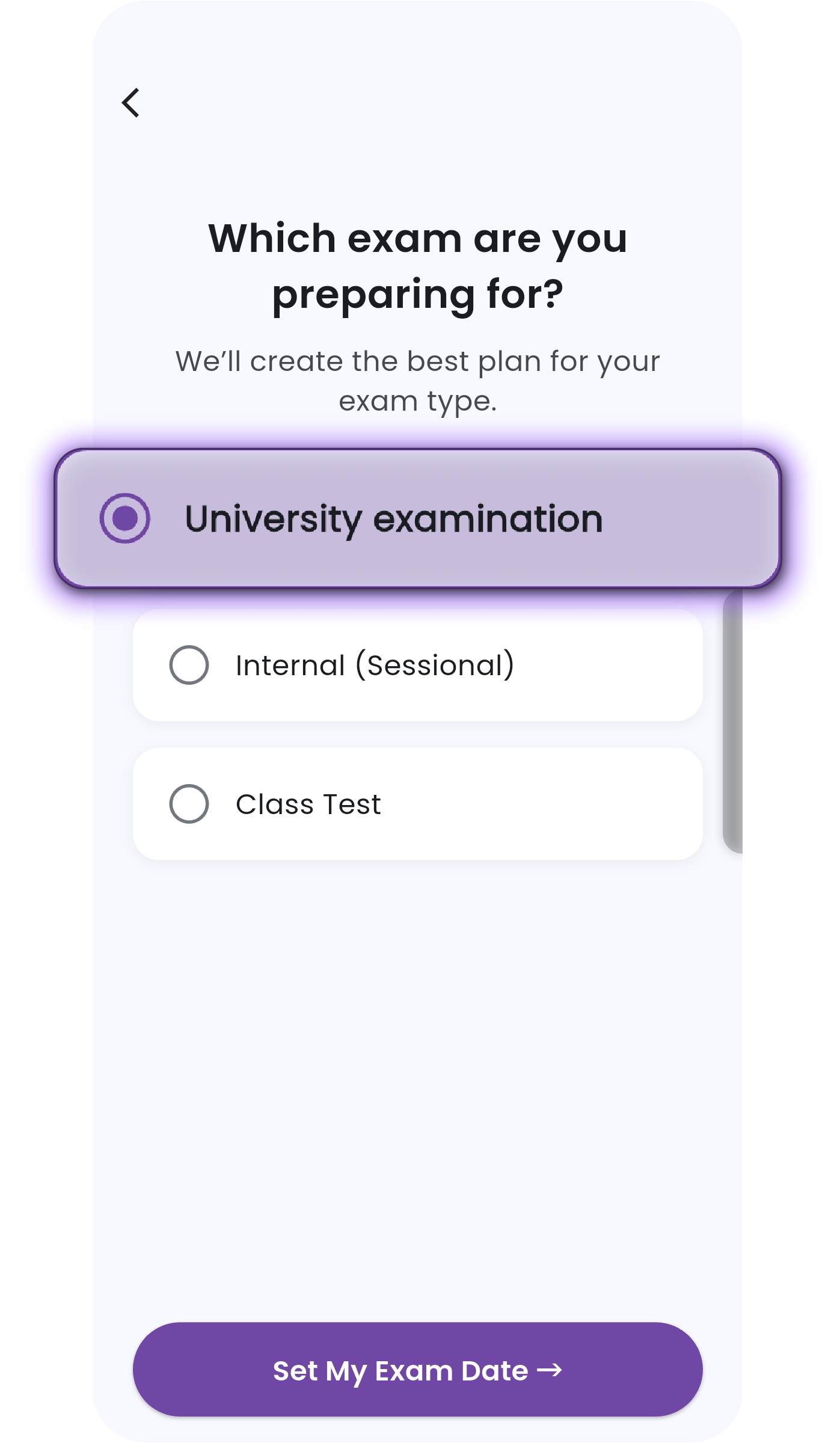
Set Up Your Exam Plan

Select exam type (University, Internal, or Class Test).

Select Exam Type

Select Exam Type

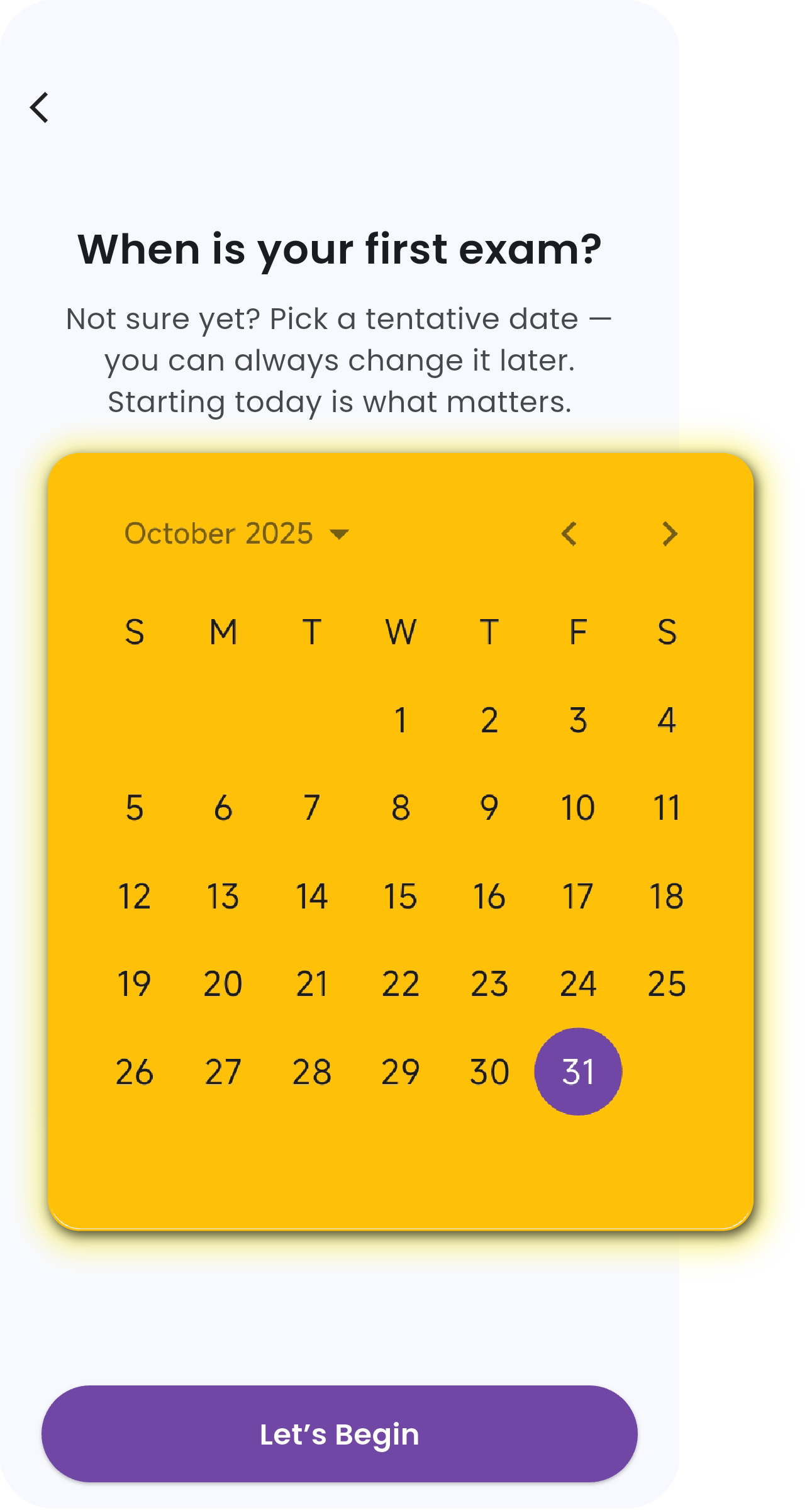
Choose your exam date.

Choose Exam Date

Choose Exam Date

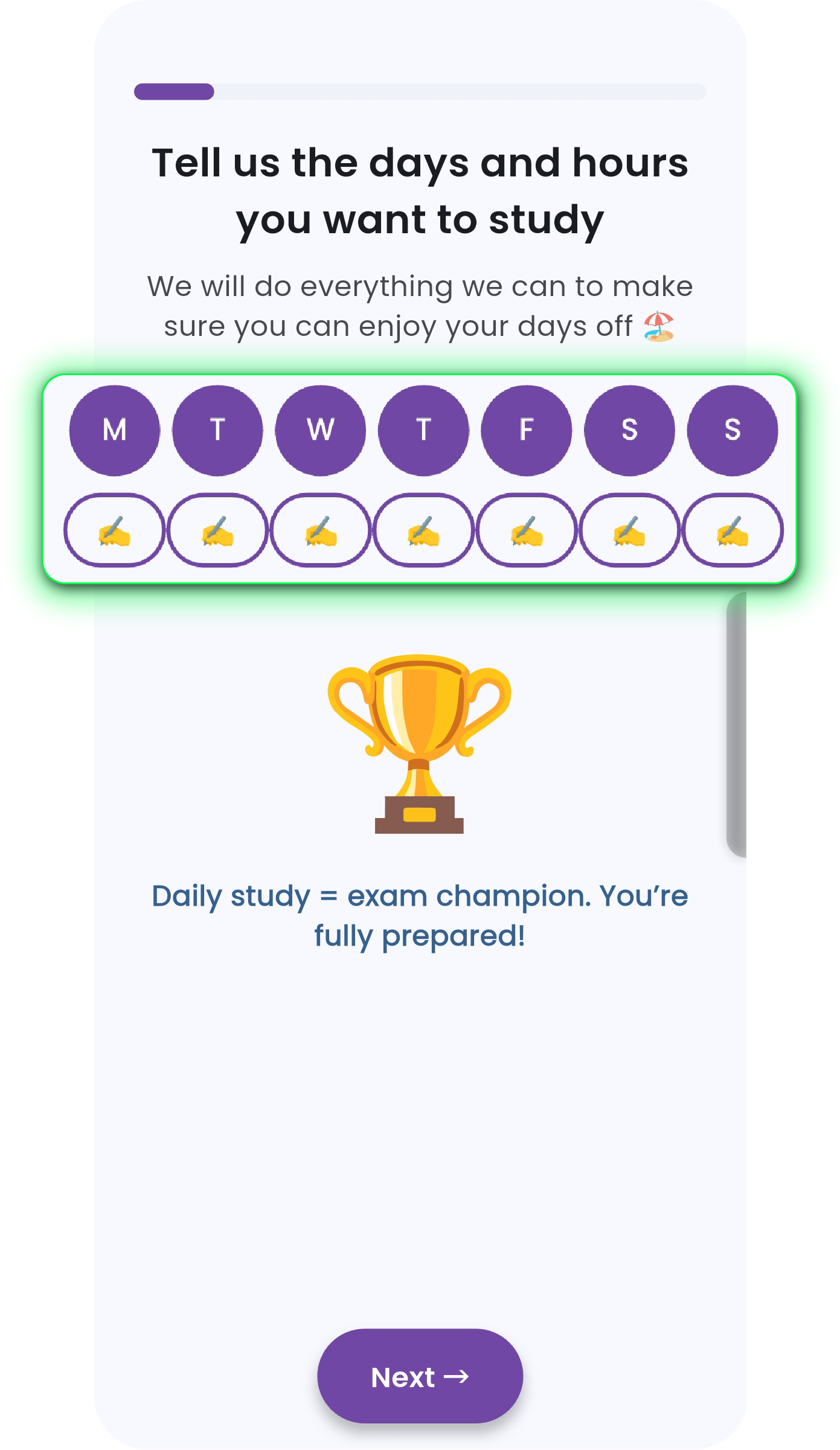
Define study days and available hours.

Define Study Days

Define Study Days

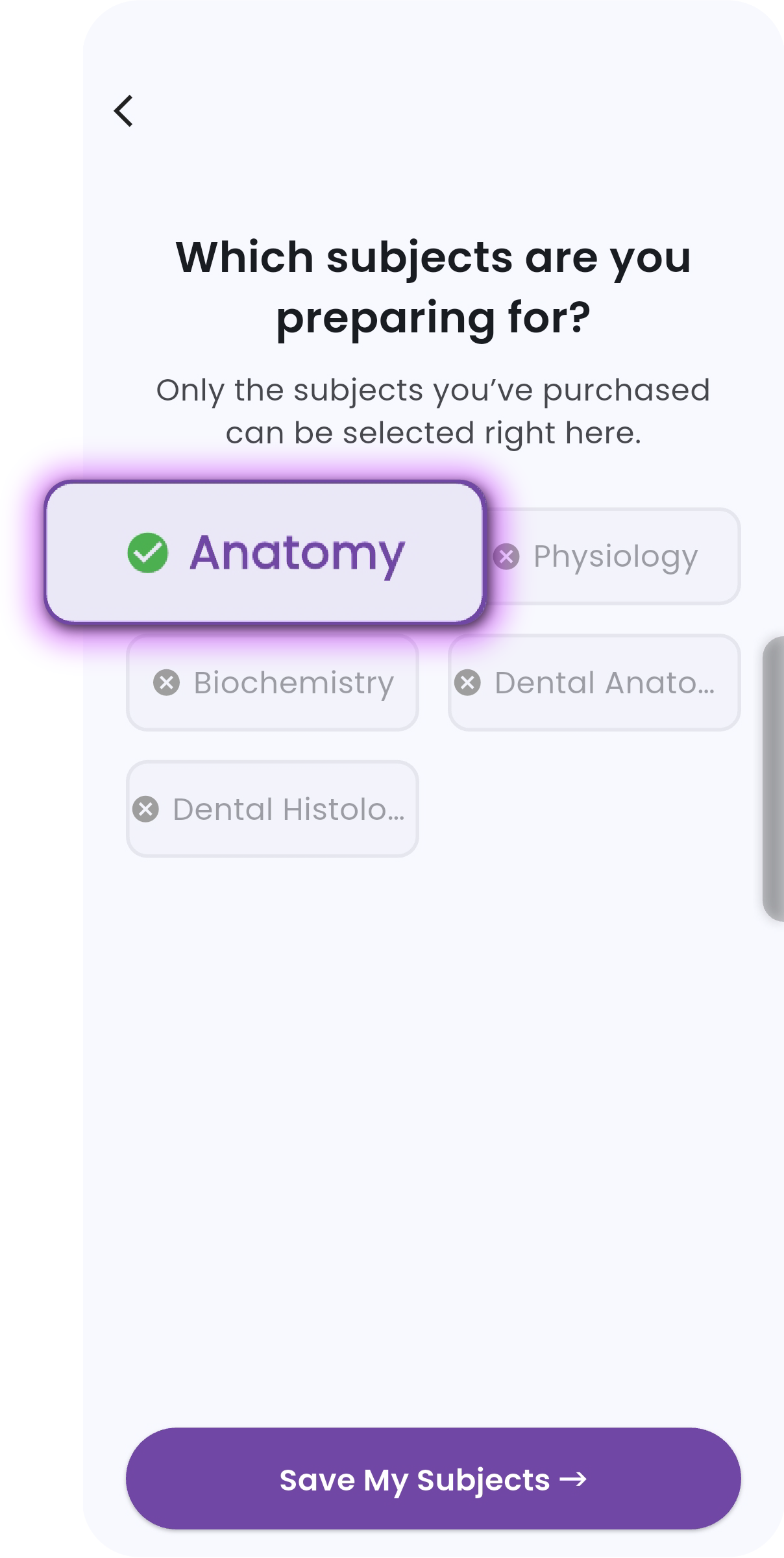
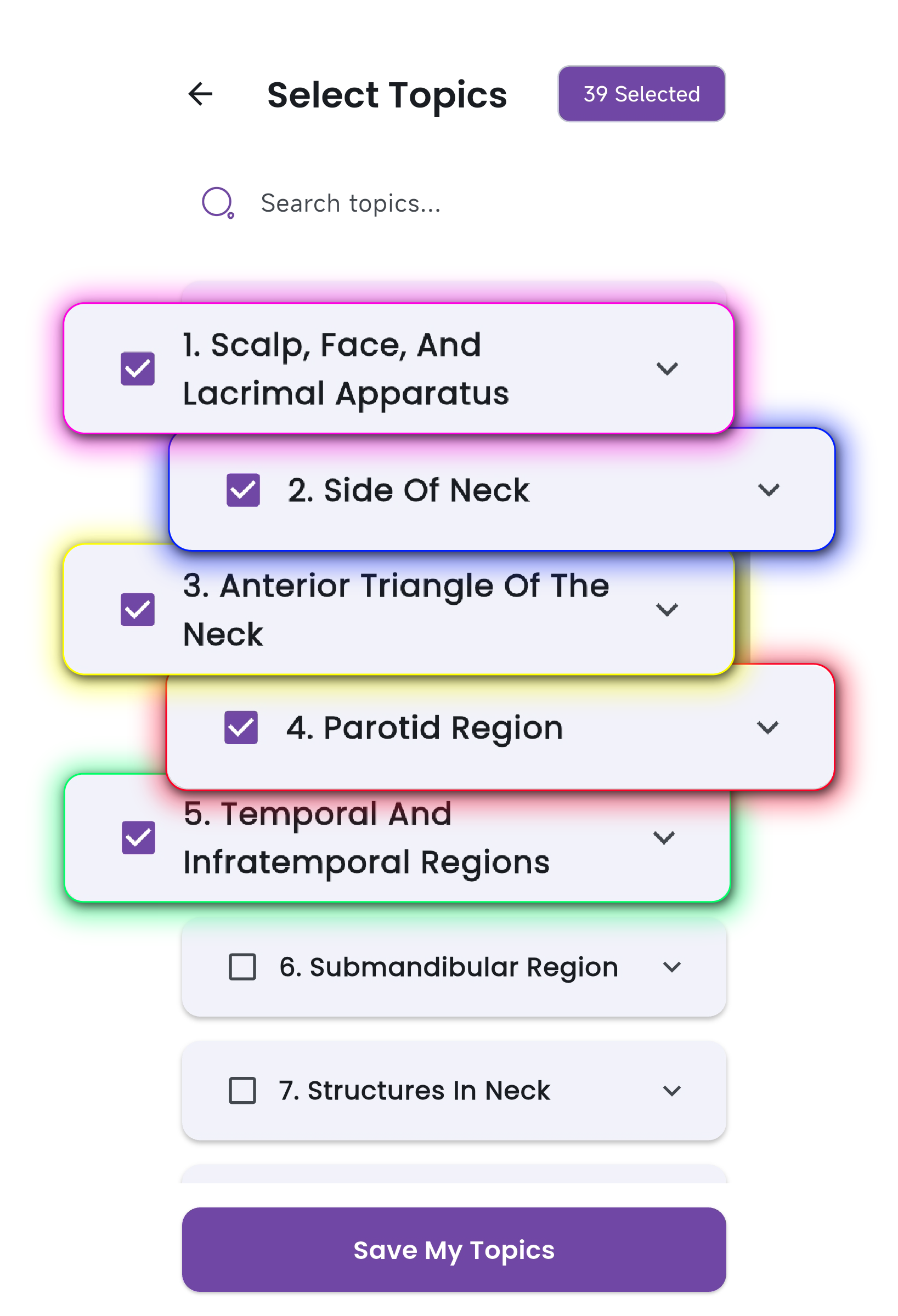
Select subjects and topics (for Internal/Class Test).

Select Subjects

Select Subjects

Select Topics

Select Topics

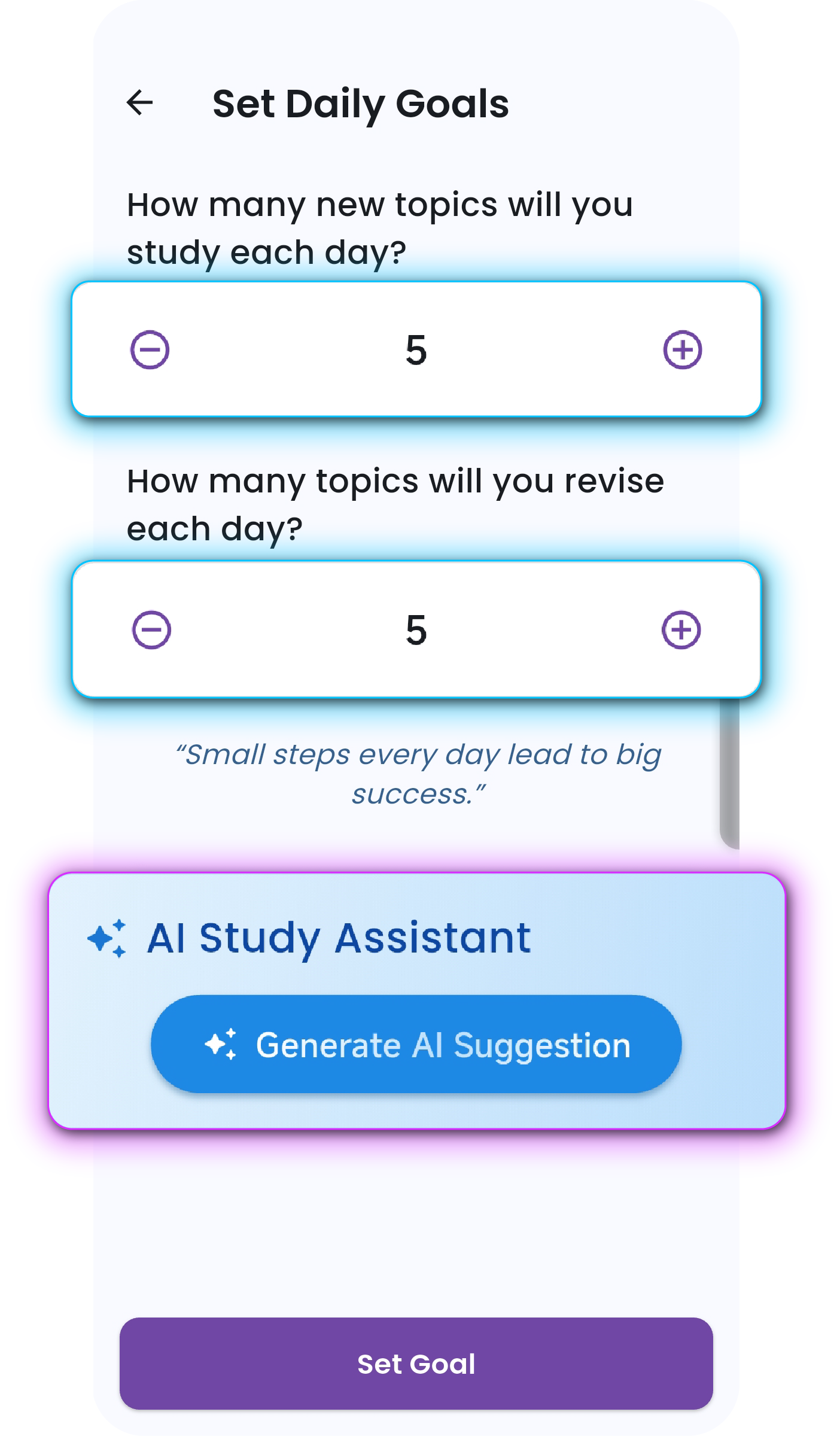
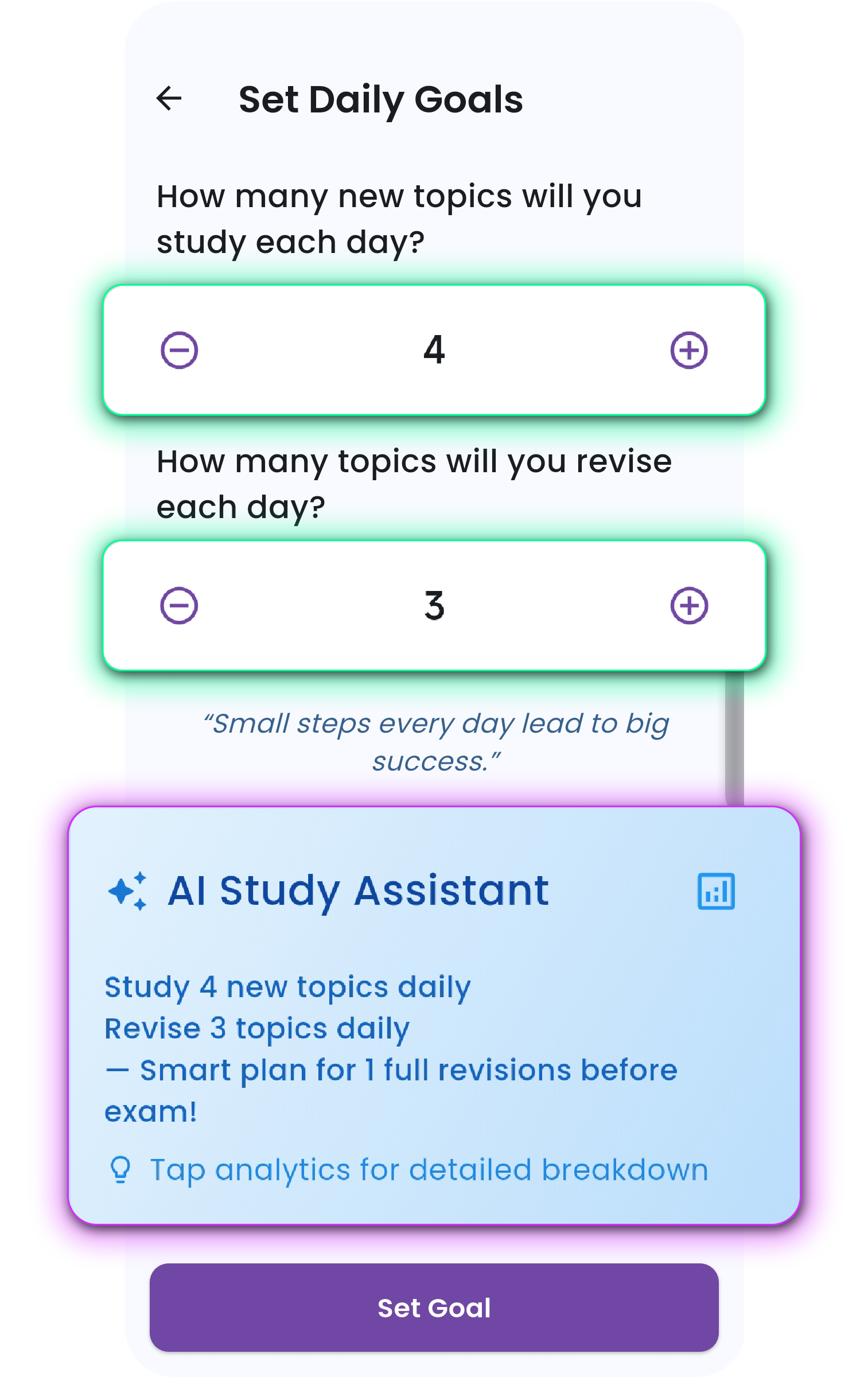
Set daily study and revision goals.

Set Daily Study Goals

Set Daily Study Goals

Set Daily Revision Goals

Set Daily Revision Goals

2

Track Daily Progress

Review the countdown and progress cards.

Review Countdown

Review Countdown

Check daily gauges to confirm whether study and revision targets are being met.

Check Daily Goals

Check Daily Goals

3

Follow AI Recommendations

Use AI study suggestion cards for guidance on which chapter to study next.

AI Study Suggestions

AI Study Suggestions

Review AI revision suggestions for targeted reinforcement across subjects.

AI Revision Suggestions

AI Revision Suggestions

4

Monitor Revision Activity

View revision stats for topics and time invested.

View Revision Stats

View Revision Stats

Tap to access detailed revision history and see what requires further review.

Detailed Revision History

Detailed Revision History

5

Explore Subject Breakdown

Open a subject to view topics categorized by status.

Open Subject

Open Subject

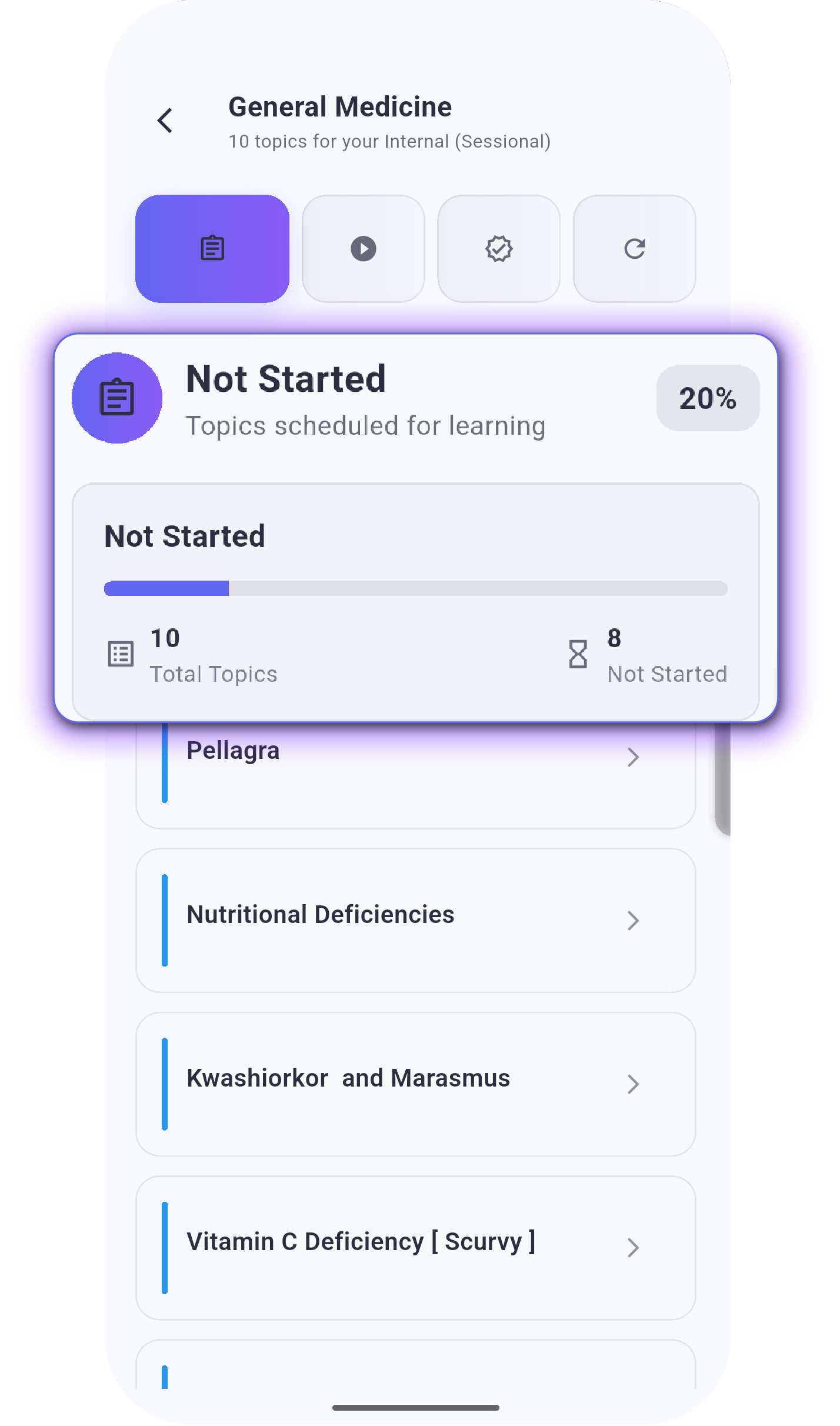
Use this deep dive to identify areas that need more focus.

Topics Not Started

Topics Not Started

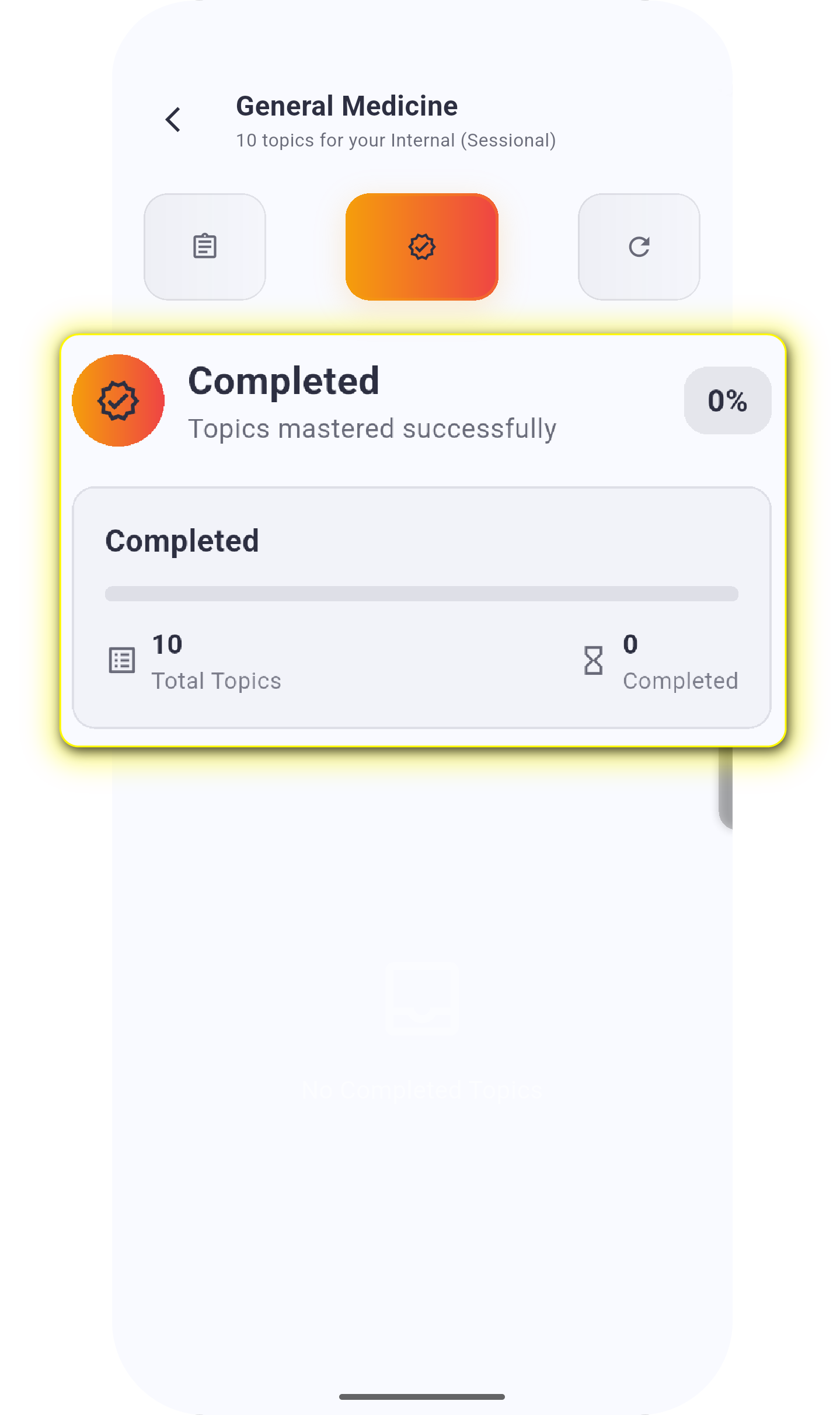
Topics Completed

Topics Completed

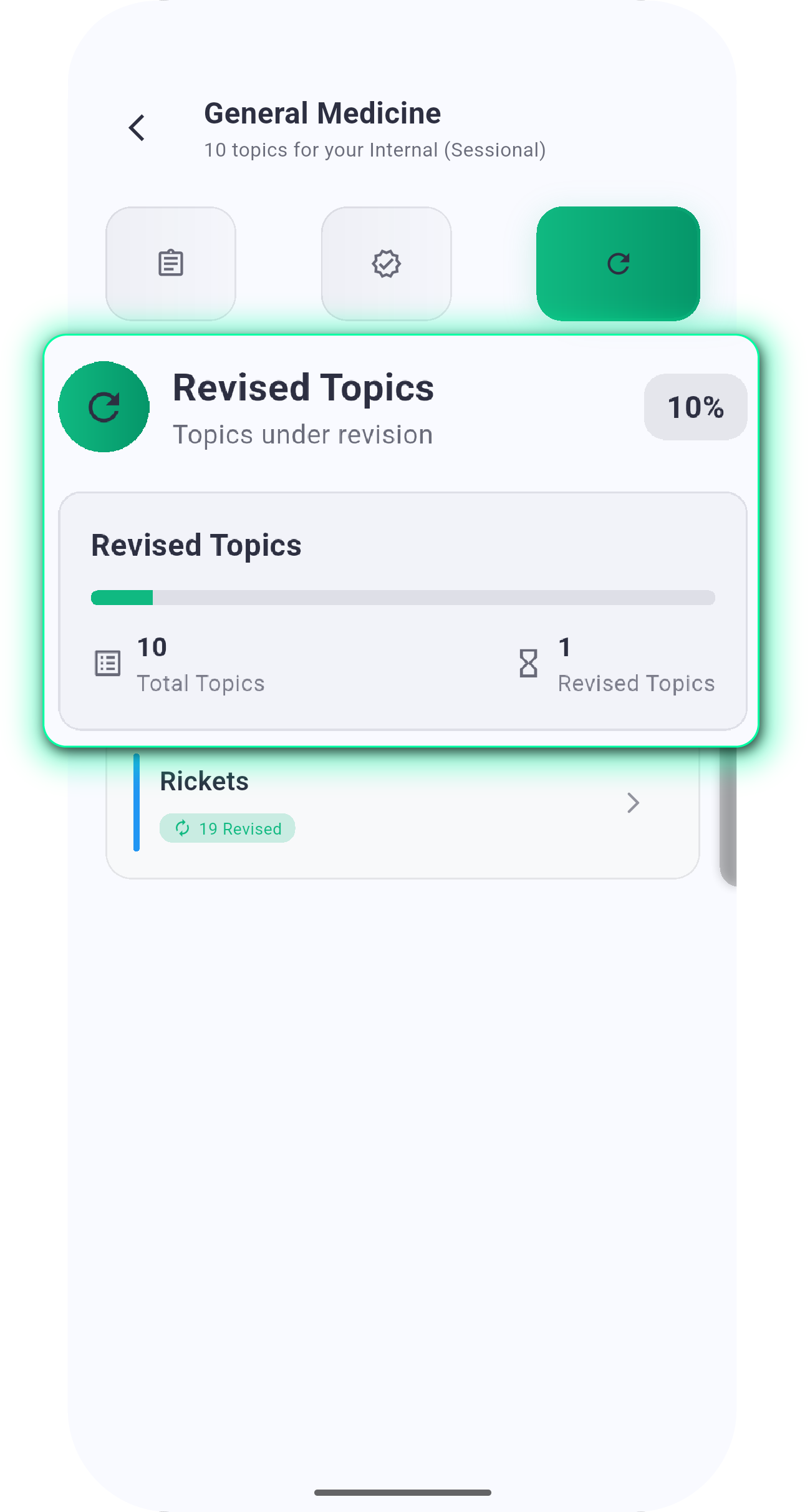
Topics Revised

Topics Revised

Topics Started

Topics Started

🎯 Benefits

Clarity

A single, organized view of exam readiness.

Efficiency

AI prioritizes high-impact topics based on frequency, weightage, progress, and time left.

Accountability

Daily goals provide measurable targets.

Flexibility

Options to adjust goals, hide the countdown, or reset topics at any time.

❓ FAQs

Can I change my daily goals later?

Yes. Goals for new topics and revisions can be updated anytime in Settings.

What if I don't want to see the countdown timer?

You can disable the countdown in Settings. All other features remain active.

Why are some topics missing from the dashboard?

Only the subjects and topics selected during setup appear. Reset your plan if you need to adjust selections.

How does AI determine suggestions?

AI considers exam frequency, topic weightage, your completion progress, and days remaining before the exam.

Does progress sync across devices?

Yes. Your dashboard data is tied to your account and syncs automatically.

Start Your Smart Prep Journey

Experience the power of AI-driven exam preparation. With My Prep Dashboard, every study session is optimized for maximum efficiency and effectiveness.

📊

Track your progress

🤖

Follow AI suggestions

🎯

Achieve your goals

Get Started with My Prep Dashboard!